
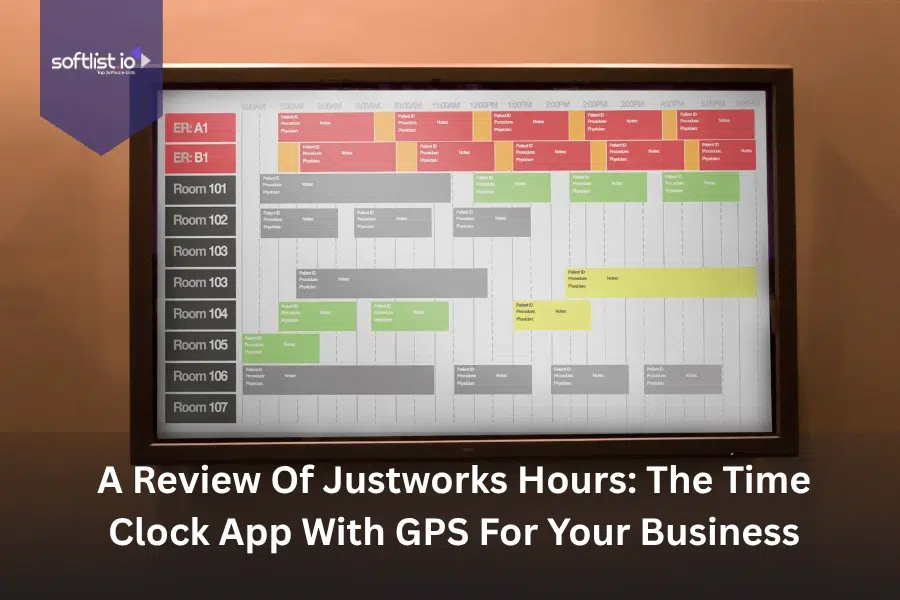
Justworks Hours stands out as a comprehensive time tracking solution that combines traditional clock-in functionality with modern GPS location services, designed specifically for businesses managing remote or field-based teams. This mobile-first application integrates seamlessly with Justworks’ broader HR and payroll ecosystem, offering real-time location verification, automated timesheet generation, and streamlined workforce management tools.
GPS-enabled time tracking has become essential for modern businesses dealing with distributed workforces, compliance requirements, and accurate project billing. Companies need reliable systems to verify employee locations, prevent time theft, and maintain detailed records for labor law compliance, making tools like Justworks Hours increasingly valuable for organizations of all sizes.
Key Takeaways
- Justworks Hours provides GPS-enabled time tracking with real-time location verification for mobile and remote teams.
- The app integrates directly with Justworks payroll systems, eliminating manual timesheet transfers and reducing processing errors.
- Mobile accessibility allows employees to clock in from any location while providing managers with instant visibility into workforce activity.
- Pricing scales with business size, making it suitable for small startups through medium-sized enterprises with up to 99 employees.
- The platform excels in compliance support and customer service but may be cost-prohibitive for very small teams or solo entrepreneurs.
Let’s explore the core functionality that makes Justworks Hours a compelling choice for businesses seeking reliable time tracking solutions.
Key Features of Justworks Hours

Justworks Hours delivers a robust set of time tracking capabilities designed to meet the demands of modern workforce management. The platform combines essential clocking features with advanced location services and comprehensive reporting tools. GPS tracking functionality allows businesses to verify employee locations during clock-in and clock-out events, providing an additional layer of accountability for field workers and remote teams.
The mobile-first design ensures employees can access time tracking features from anywhere using their smartphones or tablets. Real-time synchronization keeps all data current across devices and administrative dashboards.
GPS Location Tracking
- Real-time location verification during clock-in/out events
- Geofencing capabilities to restrict clocking from unauthorized locations
- Historical location data for compliance and project tracking
- Privacy controls allowing employees to disable tracking during off-hours
Mobile Accessibility and User Interface
- Native iOS and Android applications with offline capability
- Intuitive clock-in interface requiring minimal training
- Push notifications for break reminders and schedule updates
- Photo capture functionality for additional verification
Scheduling and Workforce Management
- Drag-and-drop schedule creation with automatic conflict detection
- Shift swapping and time-off request workflows
- Overtime calculation and alert systems
- Multi-location support for businesses with multiple sites
The integration ecosystem extends Justworks Hours’ functionality beyond basic time tracking into comprehensive workforce management.
Integration Capabilities and Payroll Connection
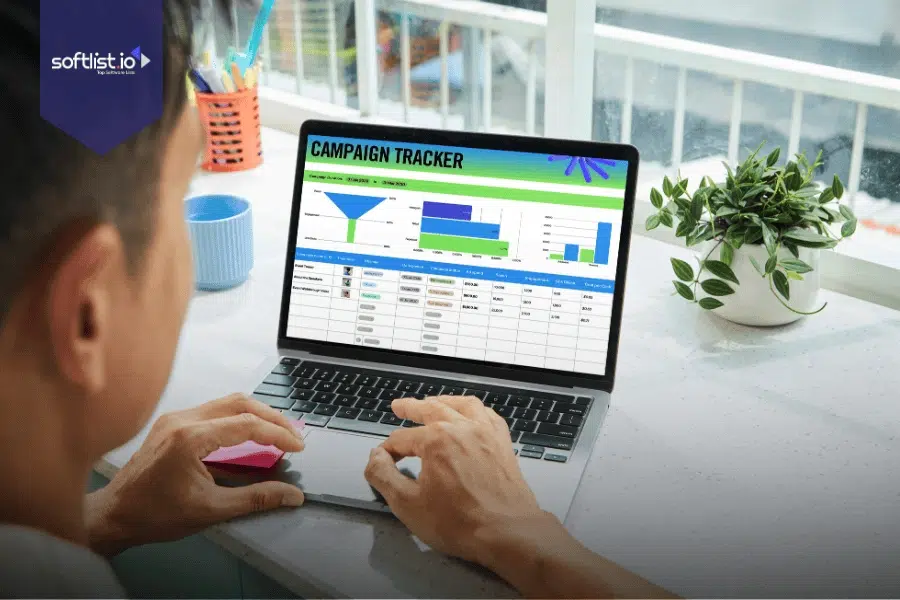
The seamless connection between Justworks Hours and the broader Justworks payroll system represents one of the platform’s strongest advantages for businesses already using Justworks services. Time data flows automatically from the mobile app into payroll processing, eliminating manual data entry and reducing the risk of errors that commonly occur with disconnected systems. This integration supports complex payroll scenarios including overtime calculations, multiple pay rates, and multi-state compliance requirements.
Third-party integrations extend the platform’s utility for businesses using diverse software stacks. Popular accounting platforms, project management tools, and HR information systems can connect through APIs and pre-built connectors.
| Integration Category | Supported Platforms | Key Benefits |
|---|---|---|
| Accounting Software | QuickBooks, Xero, NetSuite | Automated expense tracking, project costing |
| Project Management | Asana, Monday.com, Trello | Time allocation, project profitability analysis |
| HR Systems | BambooHR, Workday, ADP | Employee data synchronization, reporting |
| Communication Tools | Slack, Microsoft Teams | Schedule notifications, time tracking reminders |
These integrations create a unified ecosystem where time tracking data enhances decision-making across multiple business functions.
User Experience and Setup Process
Setting up Justworks Hours requires minimal technical expertise, with most businesses completing initial configuration within a few hours of account activation. The admin dashboard provides step-by-step guidance for creating employee profiles, defining work locations, and establishing clocking policies that align with company requirements. Employee onboarding involves downloading the mobile app and completing a brief registration process that typically takes less than five minutes per user.
The learning curve remains gentle for both administrators and end users. Most employees adapt to the clocking process within their first week of use.
Administrative Dashboard
The web-based administrative interface organizes workforce data into logical sections that support quick decision-making and detailed analysis. Managers can view real-time employee status, approve time-off requests, and generate reports without navigating complex menu structures. The dashboard’s responsive design ensures full functionality across desktop and mobile devices, allowing supervisors to manage their teams from any location.
Customizable alerts and notifications keep managers informed about important events like missed clock-ins, overtime thresholds, and schedule conflicts. These proactive features help prevent small issues from becoming larger operational problems.
Employee Mobile Experience
The employee-facing mobile application prioritizes simplicity and reliability, featuring large buttons for essential functions and clear visual feedback for successful actions. Clock-in and clock-out processes require just two taps, while GPS verification happens automatically in the background. The app maintains functionality even with poor cellular connectivity, storing clock events locally and synchronizing when connection improves.
Employees can view their current pay period hours, upcoming schedules, and time-off balances directly within the app. This transparency reduces administrative inquiries and helps workers manage their time more effectively.
Understanding the financial investment required helps businesses evaluate whether Justworks Hours aligns with their budget and growth plans.
Pricing Structure and Value Analysis
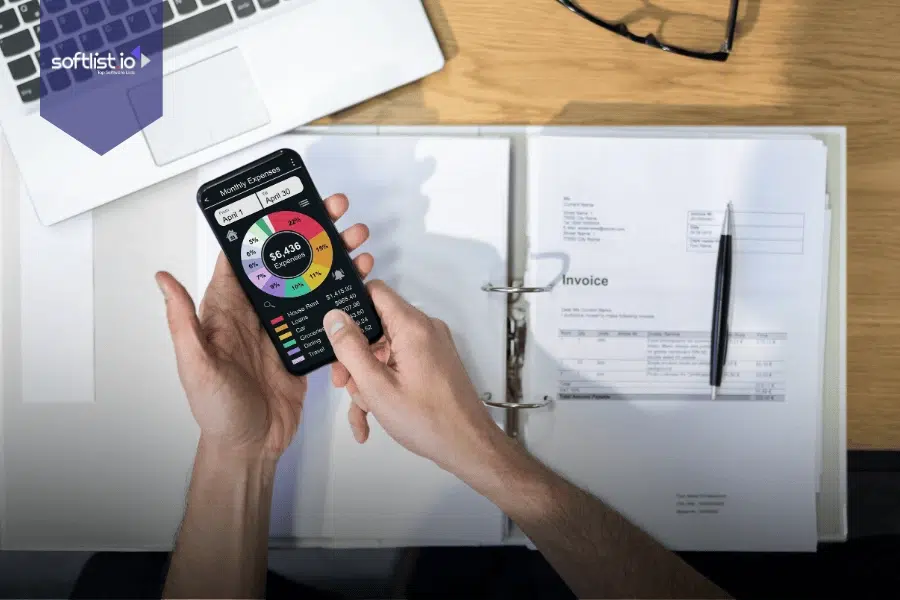
Justworks Hours pricing follows a per-employee monthly model that scales with business size, ranging from $59 to $599 per employee depending on the selected plan and included features. The entry-level Justworks Payroll option serves businesses with fewer than 30 employees, offering basic time tracking, simplified payroll processing, and access to health insurance through open market plans. Mid-tier and enterprise plans include additional HR features, enhanced compliance support, and priority customer service.
The transparent flat-rate pricing structure eliminates hidden fees and surprise charges that plague many competing platforms. Businesses can calculate their exact monthly costs by multiplying their employee count by their chosen plan rate.
Plan Comparison and ROI Considerations
| Plan Type | Monthly Cost per Employee | Best For | Key Limitations |
|---|---|---|---|
| Justworks Payroll | $59-$99 | Small teams under 30 employees | Limited HR features, basic reporting |
| Justworks PEO Basic | $149-$299 | Growing businesses 10-50 employees | Standard benefit options |
| Justworks PEO Plus | $399-$599 | Established companies 25-99 employees | Premium pricing may limit adoption |
The return on investment calculation should factor in time savings from automated payroll processing, reduced compliance risks, and improved workforce visibility. Many businesses report recovering their subscription costs through reduced administrative overhead and more accurate project billing.
Evaluating the complete picture of advantages and limitations helps businesses make informed decisions about adopting Justworks Hours.
Advantages and Limitations
Justworks Hours excels in several key areas that matter most to businesses managing distributed teams and complex payroll requirements. The platform’s strength lies in its comprehensive approach to workforce management, combining reliable time tracking with robust compliance support and responsive customer service. Integration with the broader Justworks ecosystem creates operational efficiencies that standalone time tracking apps cannot match.
The GPS functionality provides genuine value for businesses employing field workers, delivery personnel, or remote teams where location verification adds accountability and security. Real-time reporting and automated payroll integration reduce administrative burden significantly.
| Advantages | Limitations |
|---|---|
| Seamless payroll integration eliminates manual data entry | Premium pricing may exclude very small businesses |
| GPS tracking with privacy controls builds trust | Requires Justworks ecosystem for full value |
| 24/7 customer support with compliance expertise | Limited customization compared to enterprise solutions |
| Mobile-first design works reliably offline | Reporting features may not satisfy complex analytics needs |
| Transparent pricing with no hidden fees | Geographic restrictions in some international markets |
The platform’s focus on small to medium-sized businesses means it may lack advanced features required by large enterprises or highly specialized industries.
Customer Support and Reliability
Justworks customer service receives consistently positive feedback from users, with 24/7 availability and knowledgeable representatives who understand both technical and compliance aspects of workforce management. Response times typically fall within industry-leading ranges, with most inquiries resolved during the initial contact. The support team’s expertise in labor law compliance adds significant value for businesses operating across multiple states or dealing with complex regulatory requirements.
System reliability metrics show consistent uptime above 99.5%, with planned maintenance windows scheduled during off-peak hours to minimize business disruption. Mobile app performance remains stable across various device types and operating system versions.
Let’s examine how Justworks Hours compares to other solutions in the market and identify the ideal use cases for this platform.
Alternative Solutions for Enhanced Time Tracking

While Justworks Hours provides comprehensive functionality within its ecosystem, some businesses may benefit from exploring complementary or alternative time tracking solutions that offer different strengths or specialized features. These platforms can either supplement Justworks Hours for specific use cases or serve as standalone alternatives for organizations not using the broader Justworks suite. Each solution brings unique capabilities that may better align with particular business requirements or budget constraints.
The following platforms represent proven alternatives that excel in specific areas of time tracking and workforce management.
Time Doctor
Time Doctor specializes in detailed productivity monitoring and remote team management, offering screenshot capture, application tracking, and comprehensive activity analysis beyond basic time logging. The platform serves businesses requiring detailed insight into how employees spend their working hours, particularly valuable for remote teams and freelance management.
Key Features
- Automatic screenshot capture at configurable intervals
- Application and website usage tracking with productivity scoring
- Distraction alerts and focus time recommendations
- Client billing integration with detailed time reports
- Team productivity analytics and comparison tools
Employee-friendly time tracking and productivity insights that enable teams to do their best work.


Zoho
Zoho People integrates time tracking within a broader suite of business applications, providing seamless connectivity between HR management, project tracking, and financial systems. This platform suits businesses already invested in the Zoho ecosystem or those seeking an all-in-one business management solution with robust time tracking capabilities.
Key Features
- Integration with Zoho CRM, Projects, and Books for unified workflow
- Customizable attendance policies and leave management
- Biometric device integration for office-based tracking
- Advanced reporting with custom fields and filters
- Multi-language support for global teams
A unique and powerful suite of software to run your entire business, brought to you by a company with the long-term vision to transform the way you work.

TimeCamp
TimeCamp focuses on project-based time tracking with automatic activity detection and detailed profitability analysis, making it ideal for agencies, consultancies, and service-based businesses. The platform combines manual time entry with intelligent automation to reduce tracking overhead while maintaining accuracy.
Key Features
- Automatic time tracking based on application and website usage
- Project profitability analysis with budget tracking
- Invoicing integration with customizable billing rates
- Team scheduling and resource allocation tools
- Detailed productivity reports with trend analysis
Efficient project timeline planning should always be based on a thorough resource analysis. If you’re looking for a time tracker that ensures you both basic time tracking features and advanced solutions for effective billing and budgeting, choose TimeCamp!

Final Assessment
Justworks Hours delivers solid value for businesses already committed to the Justworks ecosystem or those seeking comprehensive HR services alongside time tracking functionality. The platform’s strength lies in its seamless integration approach, reliable GPS verification, and strong compliance support that reduces administrative burden for growing companies. Small to medium-sized businesses with field workers, remote teams, or multi-state operations will find the most value in this solution.
The premium pricing structure makes Justworks Hours less suitable for very small startups or businesses requiring only basic time tracking without broader HR services. Companies seeking advanced analytics, extensive customization, or standalone time tracking solutions may find better value in specialized alternatives like Time Doctor or TimeCamp.
For businesses prioritizing simplicity, compliance support, and integrated workforce management, Justworks Hours represents a reliable choice that grows with company needs while maintaining consistent performance and support quality.
Discover the perfect software solutions for your business needs at Softlist.io, where expert reviews and comprehensive comparisons help you make confident technology decisions that drive growth and efficiency.
FAQs
Does Justworks have time tracking?
Yes, Justworks offers comprehensive time tracking through its Justworks Hours application, which includes GPS location verification, mobile clocking capabilities, and direct integration with Justworks payroll systems. The time tracking functionality comes included with all Justworks plans and supports both hourly and salaried employees across multiple locations.
What is the best app for clocking time?
The best time clocking app depends on your specific business needs, but Justworks Hours excels for businesses requiring GPS verification and seamless payroll integration. Other top options include Time Doctor for detailed productivity monitoring, TimeCamp for project-based tracking, and Zoho People for businesses using integrated business suites.
What does Justworks do?
Justworks provides comprehensive HR, payroll, and benefits administration services as a Professional Employer Organization (PEO), handling everything from employee onboarding and compliance management to health insurance and retirement plans. The platform serves as an outsourced HR department for small to medium-sized businesses, with time tracking being one component of their broader workforce management suite.
What is the best time clock for a small business?
For small businesses under 30 employees, Justworks Hours offers excellent value through its integration with affordable payroll services and compliance support. Alternative solutions like TimeCamp or Zoho People may be more cost-effective for businesses not requiring full HR services, while Time Doctor suits remote-first companies needing detailed productivity insights.
How do I clock in on Justworks?
Clocking in on Justworks requires downloading the Justworks Hours mobile app, logging in with your employee credentials, and tapping the clock-in button when you begin work. The app automatically captures your GPS location for verification and syncs your time data with the payroll system in real-time, requiring no additional steps from employees.




