
Enhancing your business processes doesn’t have to involve a significant investment. You can streamline operations, eliminate redundancies, and significantly boost productivity by leveraging the right free resources. ProcessStreet stands out among these tools with its user-friendly platform, extensive template library, and robust automation capabilities.
This article will explore Process Street and other invaluable free resources to help business owners, team leaders, and operations managers optimize their workflows efficiently and effectively.
Key Takeaways:
- Process Street offers a comprehensive collection of free templates for business process optimization.
- Dynamic checklists and workflow automation reduce manual errors and enhance operational efficiency.
- Seamless integrations with tools like Zapier help eliminate redundancies and streamline data flow.
- Process documentation allows businesses to identify inefficiencies and improve decision-making.
- Free educational resources complement process improvement tools to deepen knowledge and expertise.
1. Process Street: Your Hub for Free Process Templates
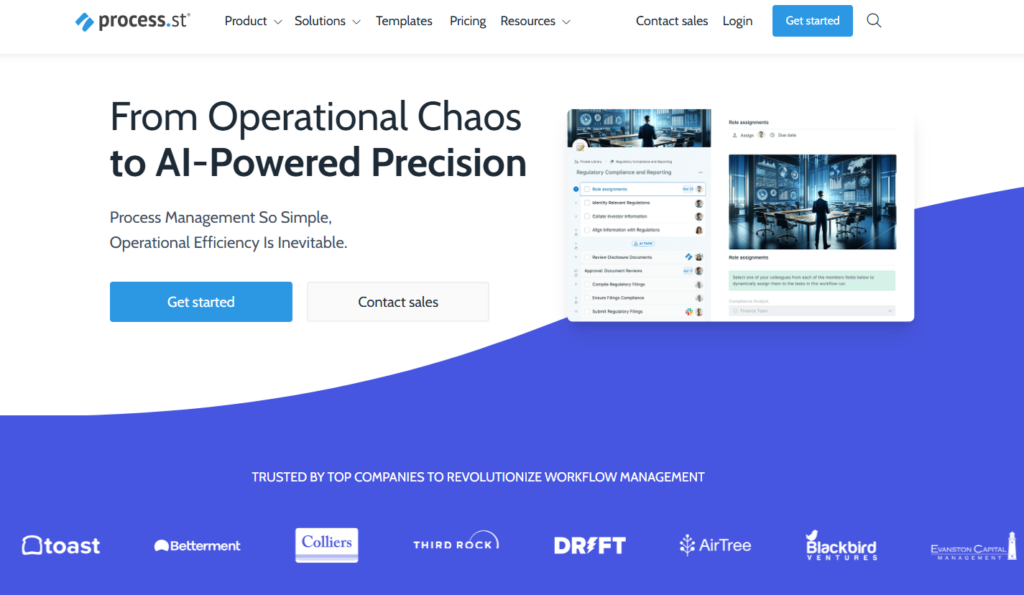
Image Source: ProcessStreet
Process Street is a powerful tool designed to help businesses improve and streamline their operations. Offering a library of free business process templates enables companies of all sizes to enhance their workflow management without creating processes from scratch. Here’s a closer look at some of the templates included:
- SIPOC Diagrams: These are valuable tools for mapping process boundaries. SIPOC stands for Suppliers, Inputs, Processes, Outputs, and Customers. It helps organizations visually map out a process, understanding key elements at each step. By using SIPOC, businesses can better understand what drives their processes and identify potential areas for improvement.
- SWOT Analysis Templates: SWOT stands for Strengths, Weaknesses, Opportunities, and Threats. These templates help organizations assess their internal and external environment, giving insight into potential opportunities or areas of vulnerability. This template encourages strategic thinking and enables businesses to make informed decisions based on a comprehensive understanding of their market position.
- SOP Templates: Standard Operating Procedures (SOPs) are the backbone of organizational consistency and quality. By simplifying the documentation and training processes, SOP templates ensure that tasks are performed in a standardized, repeatable way, making it easier for new team members to get up to speed.
- FMEA (Failure Mode and Effects Analysis): This template helps businesses proactively assess risks and identify areas where failures may occur. The goal is to mitigate these risks before they happen, allowing companies to reduce downtime, costly mistakes, and operational inefficiencies.
- Change Management Models: Process Street includes templates based on proven change management frameworks like PDCA (Plan-Do-Check-Act) and Lewin’s Change Management Model. These models guide businesses through structured, iterative improvements and transformations, ensuring that change is implemented smoothly and with minimal disruption.
ProcessStreet’s user-friendly design ensures that even non-technical users can quickly adapt and apply these templates, allowing businesses to optimize processes easily.
Process Street is a user-friendly, no-code platform that helps teams efficiently manage recurring tasks, streamlining workflows and improving productivity without the need for technical skills.


2. Dynamic Checklists and Workflow Automation with Process Street
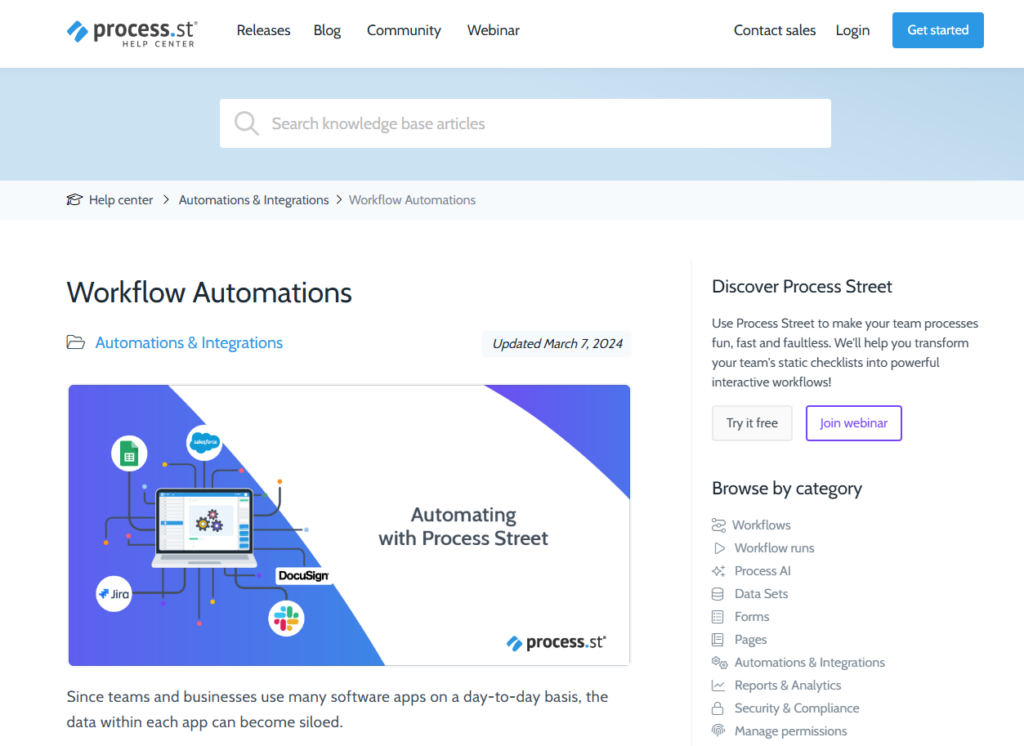
Image Source: ProcessStreet
Process Street isn’t just about templates; it offers robust tools for workflow automation and task management that can save time and improve operational efficiency.
- Conditional Logic: This feature lets users create workflows that adapt based on real-time input. For instance, depending on a task’s completion or the data entered by a team member, the workflow might adjust its next steps or escalate to a different team. This dynamic behavior helps automate complex decision-making processes.
- Role Assignments and Approvals: Process Street ensures accountability across the team by clearly defining who is responsible for each task, process, or decision. This also includes setting up approvals at various stages to confirm that tasks meet the necessary standards before proceeding.
- Checklist Tracking and Due Dates: The ability to set due dates for tasks within checklists ensures that work progresses smoothly and that deadlines are met. Tracking features also help managers monitor task status and follow up on pending work, helping teams stay on top of their deliverables.
These dynamic checklists and automation features significantly reduce manual errors and operational inefficiencies, allowing teams to focus on more strategic work rather than getting bogged down in repetitive administrative tasks.
3. Seamless Integrations Through Zapier
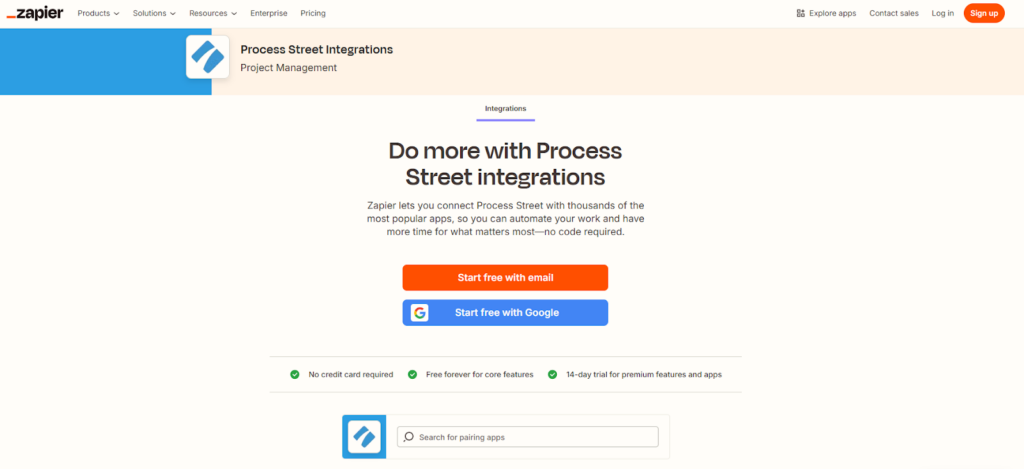
Image Source: Zapier
One of Process Street’s standout features is its integration capabilities, which Zapier powers. With Zapier, users can automate workflows across over 6,000 apps, making integrating ProcessStreet with other tools already in use easy. Here’s how this works:
- Automate Data Synchronization: If a form is submitted via Google Forms, Zapier can automatically trigger a workflow in Process Street to process that data. This synchronization eliminates manual data entry, ensuring consistency and accuracy.
- Trigger Workflows Automatically: If certain conditions are met in other tools (like receiving an email or changing a CRM system), workflows in Process Street can be triggered automatically. This automation streamlines processes, ensuring tasks begin promptly without human intervention.
- Eliminate Redundancies: By integrating disparate tools into a unified workflow, businesses can avoid duplicating efforts and streamline their operations. This is particularly valuable in reducing the time spent switching between apps or manually entering the same data multiple times.
Zapier’s ability to seamlessly connect different apps and systems means businesses can create a truly automated, cross-platform workflow, improving overall productivity and reducing the time spent on administrative tasks.
4. Process Documentation as a Strategic Opportunity
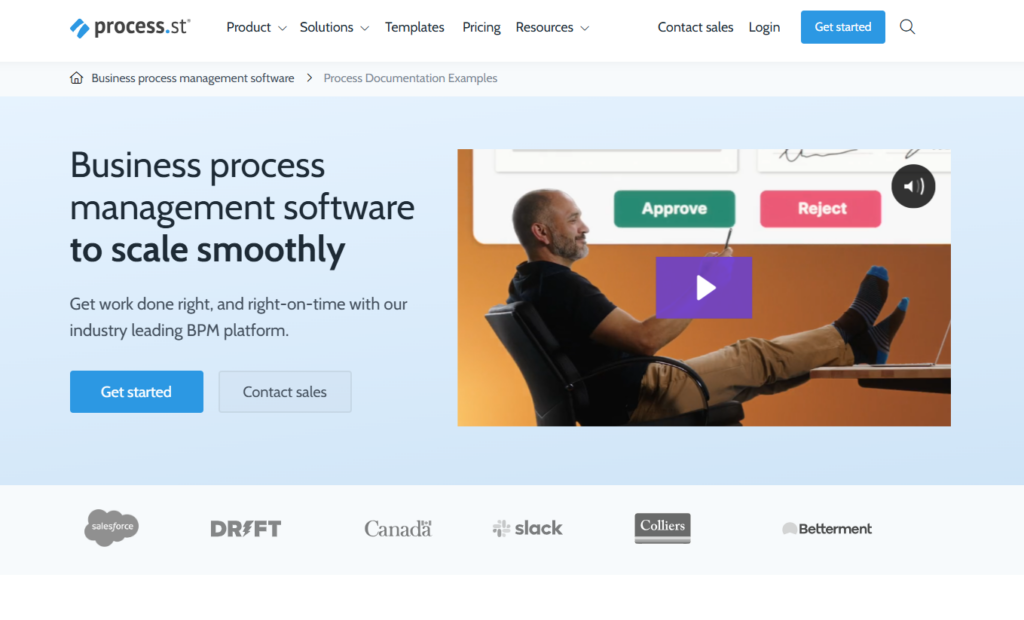
Image Source: ProcessStreet
Process documentation is often seen as a necessary evil, but with tools like Process Street, it becomes a strategic asset. Documenting your processes helps you identify inefficiencies, bottlenecks, and areas for improvement. Here’s how Process Street makes this easier:
- User-Friendly Interface for Rapid Documentation: The platform is designed to be intuitive, meaning teams can quickly document processes as they unfold. This removes the friction from documentation and allows teams to focus on improving workflows instead of spending excessive time writing detailed manuals.
- Critical Checkpoints: By incorporating tasks that enforce critical checkpoints, Process Street ensures that essential steps in a process are not skipped. This is particularly important for high-risk or high-stakes processes that require close attention to detail.
- Detailed Reporting: Process Street provides insights into processes’ performance and identifies areas that need attention. These reports can show where delays occur, where processes tend to break down, and where resources may be misallocated.
With adequately documented processes, businesses gain the clarity they need to make data-driven decisions, improve efficiency, and continuously evolve in response to challenges.
5. Mobile Accessibility for Real-Time Process Improvement
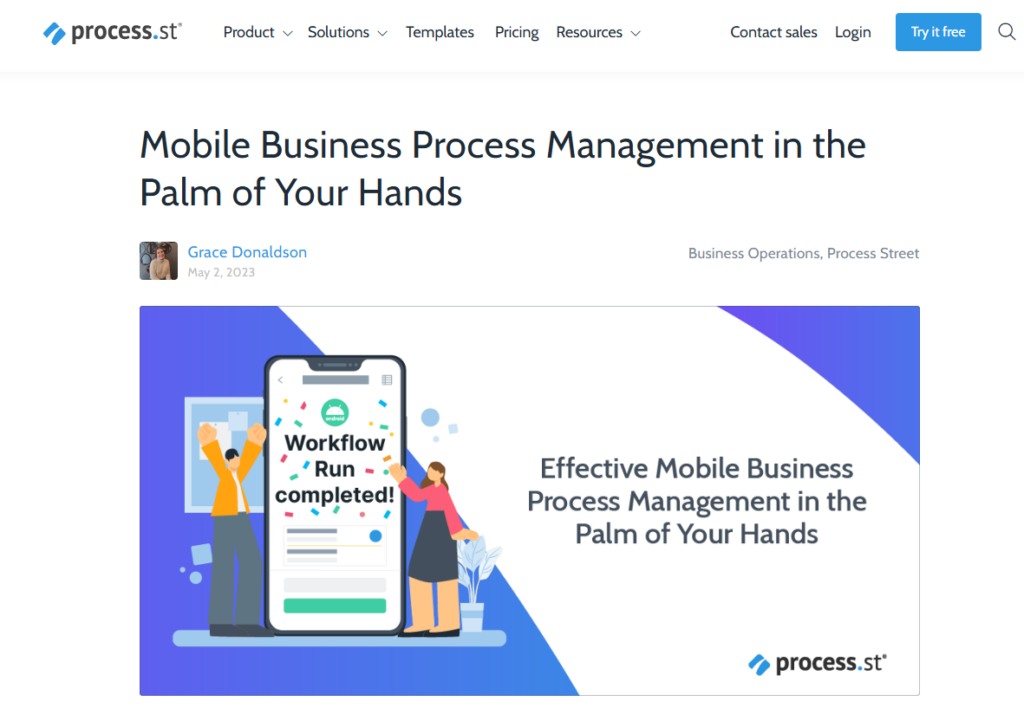
Image Source: ProcessStreet
The modern business landscape is increasingly mobile, and Process Street recognizes this by offering a mobile-friendly platform. This ensures that your team can stay connected and productive from anywhere. Here’s how mobile accessibility enhances process improvement:
- Real-Time Updates and Notifications: Team members can receive instant notifications when tasks are assigned, due, or require approval. This keeps everyone informed and helps avoid delays or missed deadlines, even if team members work remotely or on the go.
- Access to Workflows and Checklists: Team members can access workflows and checklists at any time, whether in the office, at home, or on the road. This flexibility improves responsiveness, allowing teams to address issues or update processes in real-time.
- Improved Responsiveness: In dynamic environments where things can change rapidly, mobile access ensures that team members can quickly react to new developments, adjust processes, and resolve issues as they arise, all without being tied to a desktop computer.
This level of mobility fosters a more agile and responsive work environment, making it easier for teams to manage and improve processes in real-time.
Why Process Street is the Smart Choice

Each tool has strengths, but Process Street stands out for businesses seeking practical workflow automation, seamless integrations, and real-time task execution. Unlike other resources focusing primarily on learning, theory, or templates, Process Street empowers teams to streamline operations, automate repetitive tasks, and maintain consistency across processes.
5 Key Reasons Why Process Street Stands Out
- Workflow Automation & Practical Execution – Unlike competitors focused on education, Process Street enables real-time task execution with structured workflows and checklists.
- Seamless Integrations & Mobile Accessibility—It connects with tools like Slack and Zapier, ensuring teams can access and automate workflows anytime, anywhere.
- More Practical Than Learning Platforms – Competitors like LinkedIn Learning, Alison, and Coursera emphasize theory, while Process Street focuses on immediate operational improvements.
- Customization & Scalability—It offers more flexibility than template-driven tools like Insight7 and theory-heavy platforms like ProjectManager.com, making it ideal for businesses of all sizes.
- Efficiency-Driven Despite Limitations – While the free plan is limited, its automation capabilities make it the best choice for businesses seeking streamlined, scalable workflow management.
Conclusion
Incorporating the right tools and resources into your business process improvement efforts is crucial for driving efficiency, reducing errors, and boosting productivity. Businesses can optimize workflows and streamline operations without incurring substantial costs by leveraging platforms like Process Street alongside valuable educational resources such as LinkedIn Learning, Alison, and Coursera.
These free resources, paired with practical templates and dynamic automation features, offer a strategic advantage for any organization aiming for continuous improvement and operational success.
Explore Softlist.io to optimize your workflows further and improve business processes. Access powerful, user-friendly tools and resources designed to elevate your efficiency. Start enhancing your business processes today with Softlist.io.
FAQs
What Is Business Process Improvement, and Why Is It Important?
Business process improvement (BPI) refers to analyzing and improving existing business processes to enhance efficiency, reduce waste, and ensure smoother operations.
It is essential because it helps organizations save time, lower costs, and improve overall productivity. This can be accomplished by optimizing workflows, identifying inefficiencies, and providing a more streamlined approach to achieving business objectives.
How Do I Get Started with Process Improvement in My Business?
To start with process improvement, identify key areas within your business where inefficiencies or bottlenecks occur. Then, map out the current processes, establish clear goals for improvement, and select the right tools (like Process Street) or methodologies (such as Six Sigma or Lean) to implement these changes
Can Process Street Be Used for Industries Other than Business?
Yes, Process Street is versatile and can be applied to various industries such as healthcare, education, manufacturing, and personal productivity. Its flexible templates and dynamic workflows can help improve processes in almost any field, from project management to compliance documentation and team collaboration to risk management.
What Is the Difference Between Process Improvement and Change Management?
While process improvement and change management aim to enhance organizational performance, process improvement focuses on optimizing workflows, eliminating inefficiencies, and improving task execution. On the other hand, change management is the structured approach to transitioning an organization or team from one state to another, focusing on managing the human side of change, such as employee engagement and communication during transitions.
Are There Any Costs Associated with Using Process Street?
While Process Street offers a range of free templates and basic features, paid plans unlock additional advanced features, such as custom branding, reporting tools, and integrations with more apps. Businesses can start with the free plan to explore core functionalities and later upgrade as their needs grow.




