

Product managers need more than scattered tools—they need an interconnected system that acts like an operating system for product decisions. The Agentic OS approach combines three core platforms: Notion for documentation and strategy, Linear for issue tracking and roadmaps, and Amplitude for product analytics. This stack creates automated feedback loops between user data, development priorities, and strategic planning.
Key Takeaways
- The baseline Agentic OS combines Notion (docs), Linear (tasks), and Amplitude (analytics) for automated product workflows.
- Research-heavy teams should add Hotjar for qualitative insights and Archbee for technical documentation.
- Experiment-heavy teams benefit from Make for automation and ClickUp as an all-in-one alternative.
- Pricing scales from $45/month for 3-person teams to $300/month for 50-person teams.
- SSO and advanced analytics require enterprise plans starting at $100+ per user monthly.
The Core Agentic OS: Notion + Linear + Amplitude
The foundation of an effective product management system starts with three specialized tools working together. Notion serves as the central knowledge hub, Linear handles development workflow, and Amplitude provides behavioral analytics. According to G2 reviewers, this combination addresses the most common pain points in product management: scattered documentation, unclear priorities, and data-driven decision making.
This core stack creates what we call “automated intelligence loops.” User behavior data from Amplitude flows into Linear as prioritized issues, while strategic decisions in Notion connect directly to development sprints.
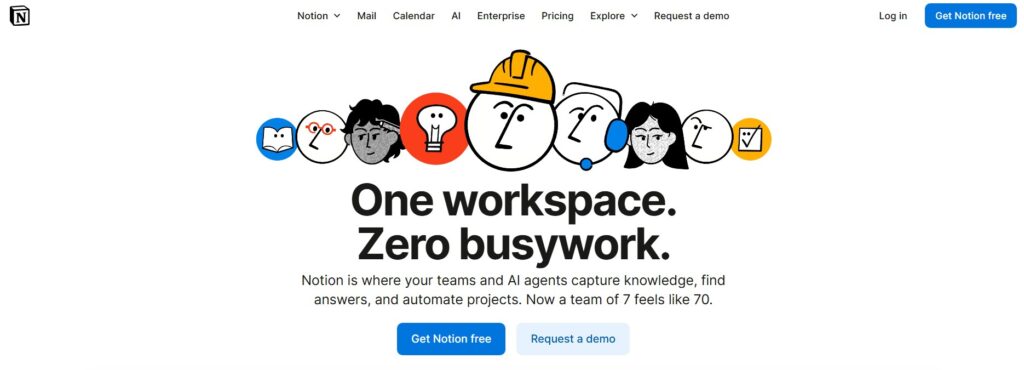
Image Source: Notion
Notion: The Strategic Brain
Notion functions as your product strategy headquarters. Teams use it for product requirements documents, user research synthesis, and cross-functional planning. The platform’s database functionality connects product roadmaps to customer feedback and market research.
Key capabilities include template libraries for product discovery, embedded analytics dashboards, and collaborative editing for stakeholder alignment.
One tool for your whole company. Free for teams to try. Create your own labels, tags, owners, and more, so everyone has context and everything stays organized.
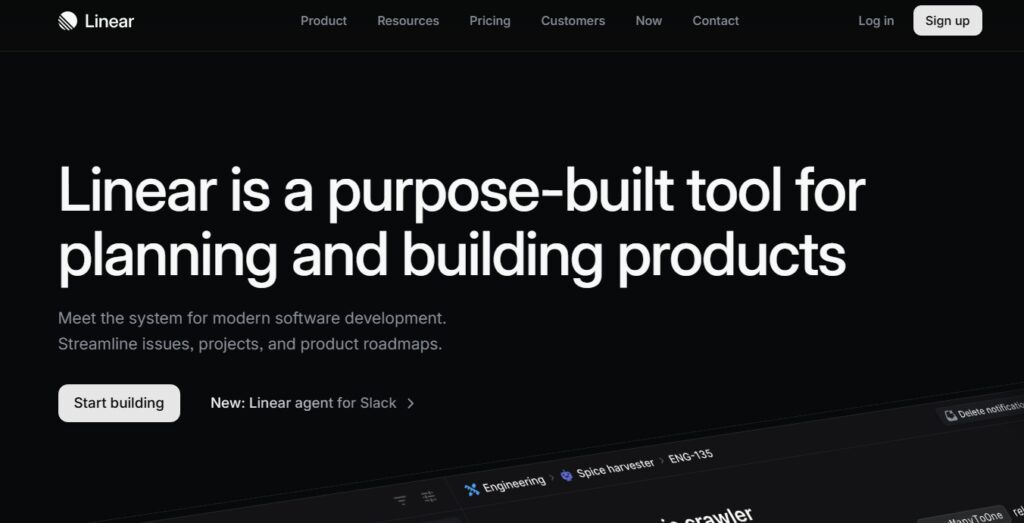
Image Source: Linear
Linear: The Execution Engine
Linear specializes in issue tracking and project management with a focus on speed and developer experience. TechRadar’s 2025 review highlighted Linear’s superior performance in handling large backlogs and complex project dependencies compared to traditional tools like Jira.
The platform excels at translating product strategy into actionable development tasks while maintaining clear visibility across engineering and product teams.
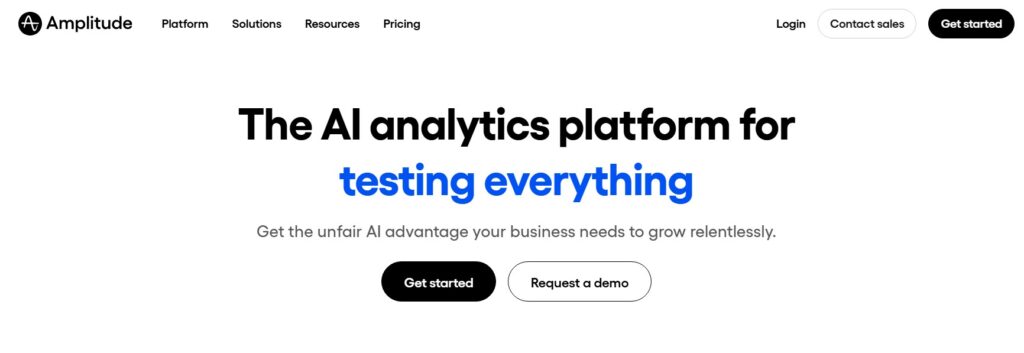
Image Source: Amplitude
Amplitude: The Data Foundation
Amplitude provides the behavioral analytics that inform product decisions. Verified Capterra users consistently praise its ability to track user journeys and measure feature adoption without requiring extensive technical setup.
The platform’s cohort analysis and funnel tracking capabilities directly feed insights back into Notion for strategic planning and Linear for feature prioritization.
Quick Picks for Different Team Types

Image Source: Canva Pro
Different product teams have specific stack needs based on their workflow, analytics maturity, and budget. Use this section as a shortcut to match your team profile with the right Agentic OS configuration.
Research-Heavy Teams
Research-heavy teams need a stack that ties quantitative data to qualitative insights and detailed documentation.
- Core Stack: Notion + Linear + Amplitude + Hotjar
- Best for: B2B SaaS, fintech, healthcare products
- Why: Combines behavioral analytics with user interviews, usability tests, and structured research libraries
- Typical monthly cost: $65–$400 depending on team size and event volume
- Choose this setup when:
- User interviews and usability testing happen regularly
- Product decisions must blend quantitative metrics with qualitative feedback
- Compliance or regulatory requirements demand thorough research records
- Customer support tickets frequently mention usability or UX issues
Experiment-Heavy Teams
Experiment-heavy teams need fast iteration cycles and automation that keeps experiments, data, and backlog in sync.
- Core Stack: Notion + Linear + Amplitude + Make
- Best for: Growth-stage startups, mobile apps, e-commerce
- Why: Automates data flow between tools so experiment results feed directly into priorities and roadmaps
- Typical monthly cost: $55–$350 depending on automation complexity and traffic
- Choose this setup when:
- Your team has dedicated product managers and engineers
- Feature decisions rely on detailed user behavior analytics and rapid testing
- Product roadmap changes frequently based on experiment outcomes
- Cross-functional collaboration happens across multiple time zones and channels
Small Integrated Teams
Smaller teams often benefit from a simplified stack that reduces tool sprawl while keeping core delivery and analytics intact.
- Alternative Stack: ClickUp + Amplitude
- Best for: Teams under 15 people, limited budget, straightforward products
- Why: Reduces complexity by combining docs and task management, while Amplitude covers essential analytics
- Typical monthly cost: $25–$150 for most small teams
- Choose this setup when:
- Team size stays under 15 people and everyone wears multiple hats
- Product complexity is moderate and doesn’t justify multiple specialized platforms
- Budget constraints make it hard to maintain several separate tools
- IT and operations prefer simplicity over highly specialized software for each function
Feature and Pricing Comparison

Image Source: Canva Pro
| Feature | Notion | Linear | Amplitude | ClickUp Alternative |
|---|---|---|---|---|
| Workflow Automation | Basic triggers | Advanced rules | Event-based alerts | Native automation |
| Analytics Integration | Embed dashboards | API connections | Native analytics | Basic reporting |
| SSO Support | Enterprise plan | Team plan+ | Growth plan+ | Business plan+ |
| API Access | Full API | GraphQL API | REST API | Limited API |
| Mobile Experience | Good | Excellent | Good | Excellent |
Pricing at Your Scale
Understanding the true cost of your product management stack requires looking beyond per-seat pricing to include integrations, storage limits, and feature restrictions. We analyzed pricing across three common team sizes to provide realistic budget expectations.
3-Person Team
- Notion Plus (annual): approx. $10/user ; $30/month for 3 users
- Linear Basic (annual): approx. $10/user ; $30/month for 3 users
- Amplitude Starter: Free (up to 10M events)
- Total: $48/month
10-Person Team
- Notion Plus (annual): approx. $10/user ; $100/month for 10 users
- Linear Basic (annual): approx. $10/user ; $100/month for 10 users
- Amplitude Growth: starting around $995/month for advanced features (actual pricing varies by event volume and contract)
- Total: $1,155/month
50-Person Team
- Notion Enterprise: Custom pricing ($15/user = $750/month)
- Linear Business/Organization: typically in the $12–16/user range; budget roughly $600–800/month for 50 users
- Amplitude Enterprise: Custom pricing ($2,000+/month)
- Total: $3,350+/month
Implementation and Migration Considerations

Image Source: Canva Pro
Setting up an Agentic OS requires careful planning around data migration, team training, and integration setup. Most teams underestimate the time needed to properly configure automation rules and data flows between platforms.
Start with one tool at a time rather than implementing the entire stack simultaneously. Begin with your biggest pain point—usually either scattered documentation (Notion first) or unclear development priorities (Linear first).
Common Setup Challenges
- Data Integration: APIs require technical setup or tools like Make
- Permission Management: Each platform has different access control models
- Training Time: Budget 2-4 weeks for full team adoption
- Legacy Data: Migration from existing tools takes longer than expected
Success Metrics to Track
- Time from user insight to development backlog
- Product roadmap accuracy and stakeholder alignment
- Developer velocity and issue resolution time
- Cross-team communication efficiency
Supplementary Platforms for Enhanced Workflows
While the core Agentic OS handles most product management needs, specific use cases benefit from additional specialized tools. These platforms integrate with your main stack to address gaps in automation, documentation, and user research.
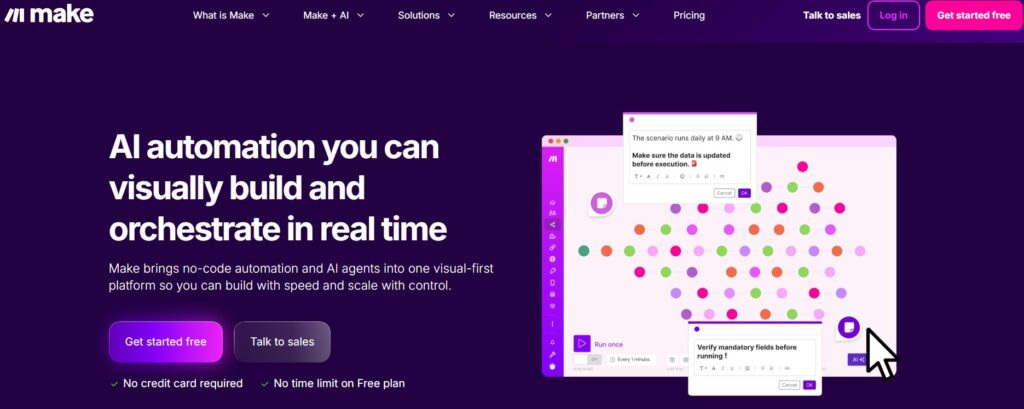
Image Source: Make
Make (Formerly Integromat)
Make serves as the automation backbone that connects Notion, Linear, and Amplitude into truly intelligent workflows. It triggers actions based on product events, like automatically creating Linear issues when Amplitude detects user drop-off patterns.
Boost productivity across every area or team. Anyone can use Make to design powerful workflows without relying on developer resources.
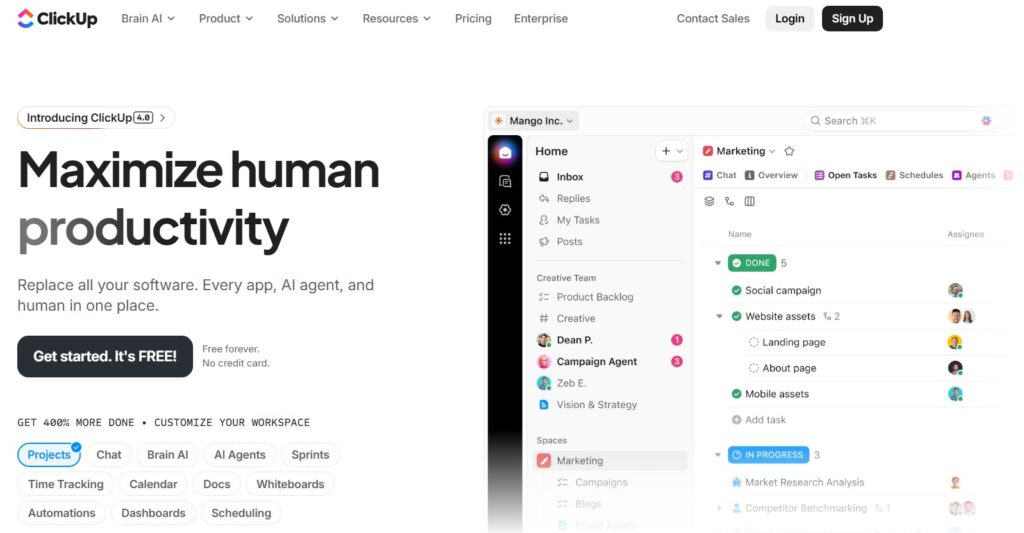
Image Source: Clickup
ClickUp
ClickUp combines document management and task tracking in a single platform, simplifying the OS for smaller teams. It offers a middle ground between specialized tools and all-in-one complexity.
Work smarter as a team with real-time chat. Tag individuals or groups, assign comments for action items, and link tasks to get more done together.

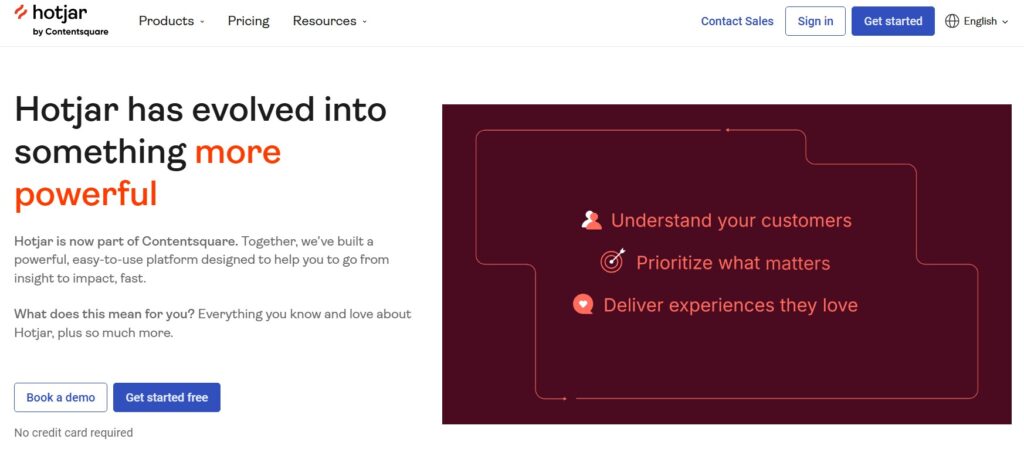
Image Source: Hotjar
Hotjar
Hotjar provides qualitative user data through heatmaps and session recordings that complement Amplitude’s quantitative metrics. This human context prevents product decisions based solely on numerical data without understanding user intent.
Get an exclusive 30-day Business trial and make the most of your 500 daily Observe sessions and 500 monthly Ask responses.

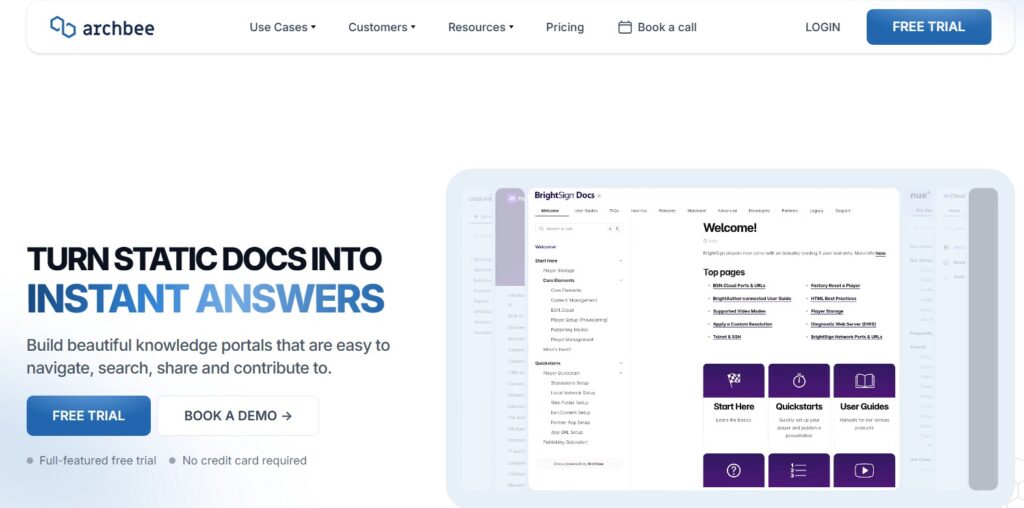
Image Source: Archbee
Archbee
Archbee specializes in technical product documentation, handling API docs and developer guides more effectively than Notion’s general-purpose formatting. It integrates directly with development workflows for engineering-heavy product teams.
Final Verdict
The Agentic OS approach transforms scattered product management tools into an intelligent system that connects user insights directly to development priorities. Most teams benefit from starting with the core Notion-Linear-Amplitude stack before adding specialized tools. Choose based on your team’s size, technical needs, and budget rather than feature checklists.
Ready to organize your workflows and scale smarter with the right tools and strategies. Explore Softlist.io exclusive deals on AI-powered project management solutions that support sustainable online business models. Dive into our Top 10 Project Management Software guide to discover ethical, efficiency-boosting tools that enhance your team’s expertise instead of replacing it.
FAQs
What Are The Best Tools For Product Managers?
The best tools for product managers often include Notion for documentation and collaboration, Linear for project tracking, and Amplitude for analytics. These tools help streamline workflows, enhance communication, and provide valuable insights into user behavior, making them ideal for effective product management.
How Do Product Managers Use Tools?
Product managers use tools to facilitate communication, manage projects, track progress, and analyze data. By leveraging software solutions, they can collaborate with cross-functional teams, prioritize tasks, and make data-driven decisions to enhance product development and delivery.
What Tools Do Product Managers Need?
Product managers typically need tools for project management, documentation, analytics, and user feedback. Essential tools often include a combination of roadmap software, task management platforms, and analytics tools to effectively oversee the product lifecycle and ensure alignment with business goals.
Are There Free Tools For Product Managers?
Yes, there are several free tools available for product managers, such as Trello for task management, Google Docs for documentation, and Slack for team communication. These tools can provide essential functionalities without the cost, making them accessible for startups and small teams.
What Software Do Product Managers Use For Project Management?
Product managers commonly use software like Jira, Asana, and Monday.com for project management. These platforms offer features such as task assignments, progress tracking, and team collaboration, which are crucial for managing projects effectively and meeting deadlines.