Logging in to Viggle AI gives you access to a cutting-edge platform that is meant to make your video content creation process better. With AI-driven tools, you can realize your creative vision, making your characters move in a realistic and compelling manner. This in-depth guide to locking down your account will assist you in learning how to create and maintain your login credentials so that your experience with Viggle AI is seamless and secure.
This will help you construct a secure login system and protect your account, whether you’re an animator looking to animate figures or a content creator using AI video technologies. Having a better idea of Viggle AI’s login functionality, you can now feel secure using the platform to animate your content and make it more engaging and interactive.
Key Takeaways
- Getting started with Viggle AI is easy; you can sign up through your Google account or email, and ensure your login is secure by agreeing to the Terms of Use and Privacy Policy.
- Viggle AI offers both free and premium subscription plans, with the premium plans providing extra features like increased storage, advanced tools, and priority support.
- Data security is a top priority, and by reading the Privacy Policy, you gain insight into how your data is used, helping you make informed decisions about your privacy and platform usage.
- Two-Factor Authentication (2FA) adds an extra layer of account security, ensuring that only verified users can access the platform, even if login credentials are compromised.
- Viggle AI’s intuitive dashboard and motion templates simplify video creation, helping users animate characters and scenes with minimal technical know-how.
Getting Started with Viggle AI
Source: Viggle.ai
Creating an Account
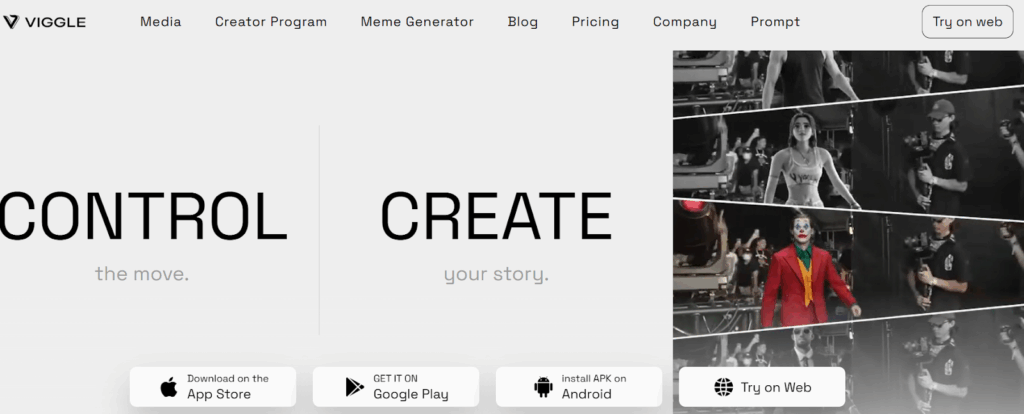
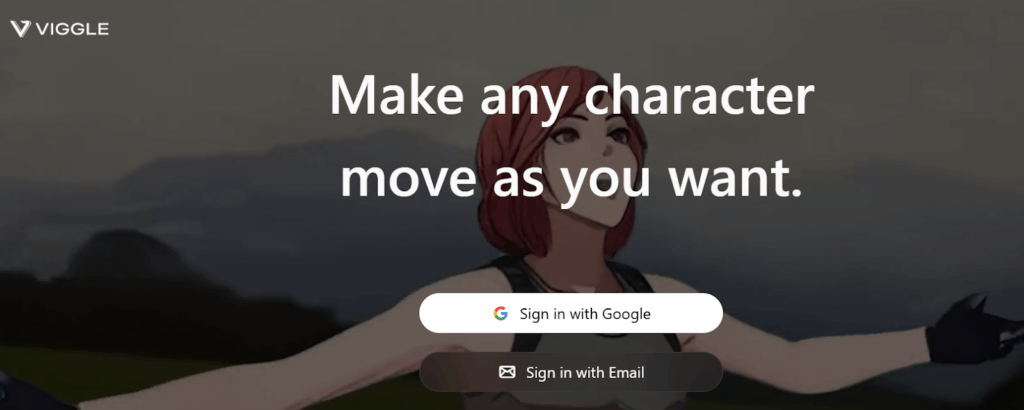
To start using Viggle AI, go to the official website at viggle.ai. Upon arrival, you will be offered choices to sign up through your Google account or use your email to register a new account. After choosing how you would like to sign up, be sure to read and accept the Terms of Use and Privacy Policy in order to continue.
Platform Accessibility
Viggle AI is built to be available on different platforms, and users can interact with the tool using web browsers as well as mobile devices. The platform supports compatibility with mainstream browsers, ensuring a seamless user experience on desktops and laptops. Moreover, Viggle AI provides native apps for iOS and Android, allowing users to access the features on their smartphones and tablets for convenience.
Secure Login Process
Source: Canva
Authentication Methods
Viggle AI provides several methods of authentication, such as signing in with your Google account or via email credentials, that simplify the process of logging in and make it faster. An additional security feature to protect your account is two-factor authentication (2FA), where an added layer of verification needs to be done to gain entry into your account. This ensures that only legitimate users have access to your content and information.
Password Management
When signing up, best practices in password management should be practiced, including selecting strong and new passwords that cannot easily be guessed by others. In case you forget your password, Viggle AI offers simple steps to reset it via your registered email address, allowing you to regain access to your account with ease. To maintain continuous security, periodic password updates and the use of a password manager can also safeguard your login credentials.
Working in the Dashboard
Source: Viggle.ai
User Interface Overview
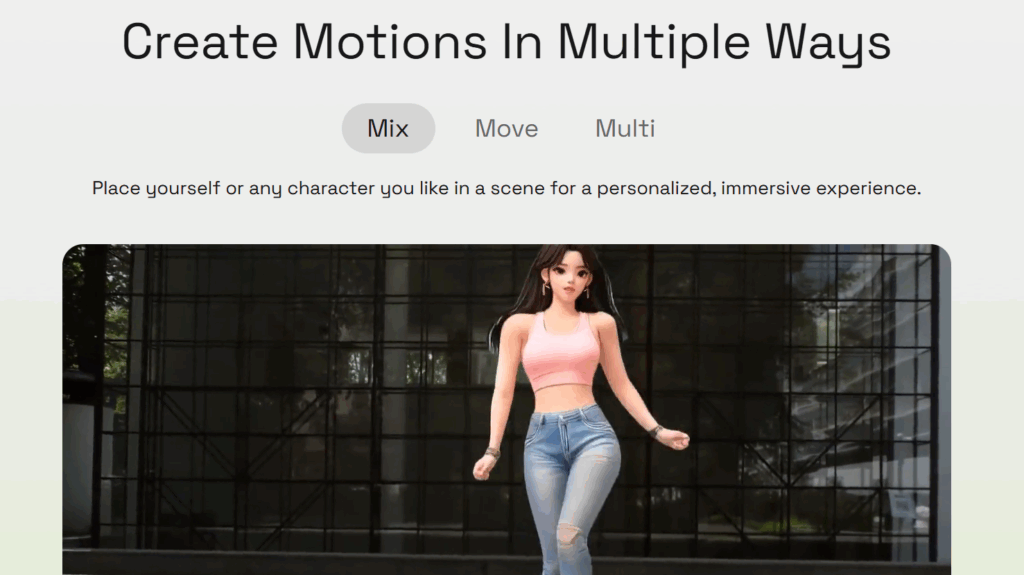
The dashboard of Viggle AI is user-friendly, with an uncluttered design that provides easy access to the important features. It has intuitive tabs where users can access features like Mix, Move, and Animate to aid in video creation and character movement. These are easily accessible tools that can be used to create immediately.
Managing Projects
Initiating a new project in Viggle AI is easy; you can readily set up a new project from the dashboard and start your work right away. As you continue working, the website enables you to save work frequently to avoid data loss and maintain continuity. You can also categorize and group your projects through tags or folders, allowing you to stay organized and efficient as you work on multiple video productions.
Account Settings and Customization
Source: Viggle.ai
Profile Management
Viggle AI offers users the ability to update personal details easily, such as their name, email address, and profile picture, for a more customized experience. In the profile management area, you can also customize notification preferences, determining how and when you wish to be notified of significant updates or activity. Also, privacy settings give you control over who can view your projects and information, so your account is secure and adjusted to your interests.
Subscription Plans
Source: Viggle.ai
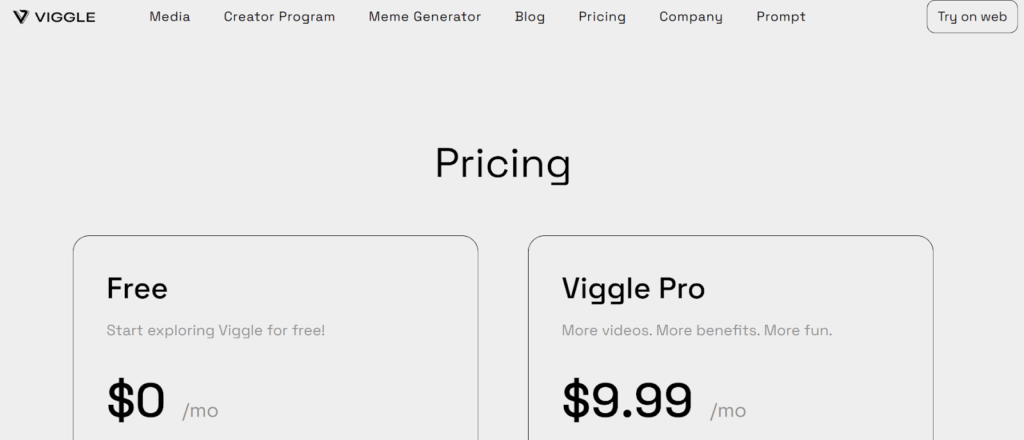
Viggle AI has both free and premium subscription plans, enabling users to select the plan that is most suitable for them. The free plan offers basic access to core features, while the premium plans open up advanced tools and features for more extensive video production. Upgrading to a premium plan provides advantages like extra storage, access to special features, and priority customer support, improving the overall user experience.
Privacy and Security Considerations
Source: Canva
Data Collection and Usage
Viggle AI gathers personal data like your email address, display name, and password upon sign-up for easy login and account management. The platform may also gather device data, like device IDs, operating system, and browser type, to optimize functionality and user experience. Viggle AI is known to use uploaded assets like images and videos to train its AI models, as stated in its Privacy Policy.
Reading the Privacy Policy
To learn more about how Viggle AI treats your data, reading their Privacy Policy is a good idea. The policy offers an understanding of data collection, use, and sharing practices to make you better informed. Knowing these terms allows you to make wise choices about using the site and controlling your data privacy.
Content Management
Viggle AI comes with specific rules for content uploads to guarantee the files have acceptable formats and space as per the platform to enhance seamless integration. In the case of managing your own content, there is no complication in removing extraneous or stale files within your dashboard from one place, improving your workspace.
The necessary deletion protocol has to be maintained to remove every piece of content completely from the platform for securing privacy as well as decluttering the memory space.
Troubleshooting and Support

Source: Canva
Common Login Problems
When you have problems logging into Viggle AI, some common issues are entering the wrong credentials or experiencing two-factor authentication (2FA) failure. When it is a matter of incorrect credentials, make sure your email and password are correctly entered and Caps Lock is disabled. For 2FA problems, verify that your authentication app is in sync and attempt to request a new verification code if needed.
Customer Support
Should you not be able to address login problems on your own, Viggle AI offers customer service to help in troubleshooting and retrieving accounts. Direct contact with support can be established through their portal by filing a support ticket or via the live chat option. The help center is also offered for self-service options, such as articles dealing with frequent problems and solutions.
Accessing Help Center and Community Forums
Viggle AI’s help center is a great resource for users who need assistance with many of the features, such as account management and troubleshooting. If you’re looking for more detailed user experiences or recommendations, the community forums enable you to communicate with other Viggle AI users. The forums are also a good place to post insights or ask questions that might not be covered in the help center.
Conclusion
As you now know, maintaining your Viggle AI account and securing access are important to have a smooth and enjoyable experience with the platform. Following the steps described in this guide, you can easily go through the login process and make the most of all the fun and creative features Viggle AI has to offer.
In case you run into any issues regarding logging in or account maintenance, don’t worry, since Viggle AI support personnel are waiting in the wings to help, and their servers are geared for utmost reliability. Looking to immerse yourself in a universe of AI-based animations? Register with Viggle AI now and unlock boundless potential for your work!
Unlock more expert insights in our latest blogs—and don’t miss out! Subscribe now to score exclusive deals and discounts on top software!
FAQs
What Is Viggle AI Login, and How Does It Enhance My Video Experience?
Viggle AI LogIn provides a secure access point for users to engage with its services, enhancing their video experience by allowing them to generate content using advanced AI technology. This ensures that everyone can easily create and share stunning videos.
How Do I Create an Account for Viggle AI Login?
To create an account, visit the Viggle AI LogIn page and follow the prompts to enter your details. Once registered, you can start using the platform to generate your video content with ease.
What Should I Do If I Encounter a Technical Error During the Viggle AI Login Process?
If you experience a technical error during the Viggle AI LogIn process, ensure that your internet connection is stable. If the issue persists, try clearing your browser cache or contacting customer support for assistance.
Can I Use Viggle to Animate My Character and Create Unique Dance Scenes?
Yes, Viggle allows you to animate your character and create unique dance scenes. You can choose from various motion templates to bring your creative ideas to life.
How Does the AI Video Generator Work in Viggle?
The AI video generator in Viggle uses advanced algorithms to analyze user inputs and generate captivating videos. It can mimic real-life physics and create animations that feel natural and engaging.
Is There a Limit to the Length of Videos I Can Create Using Viggle’s AI Video Generator?
While there is no strict limit, the platform generally allows for videos of up to one minute in length. This duration is designed to keep content concise and engaging for viewers.
What Types of Templates Are Available for Creating Videos on Viggle?
Viggle offers a variety of templates, including motion templates and photo templates, designed for everyone to use. These templates help streamline the video creation process and make it accessible for all users.
How Can I Ensure My Character Image Is Effectively Animated in My Video?
To ensure effective animation of your character image, utilize the provided motion templates and adjust the settings for your specific scene. This will help in captivating your audience and making your video more dynamic.
What Should I Do If I Forget My Viggle AI Login Password?
If you forget your password, you can use the “Forgot Password” link on the Viggle AI LogIn page. Follow the instructions to reset your password and regain access to your account.