
If you’ve ever dreamed of animating characters without learning complex software or hiring a professional, Viggle AI is your new creative ally. This beginner-friendly tool transforms static images or text into lively, physics-based animated clips—perfect for content creators, marketers, educators, and even podcasters.
This comprehensive guide will walk you through the process, show real-world use cases, and explore how Viggle AI can be integrated with platforms like StoreYa, Podbean, TalentLMS, and Teachable.
Key Takeaways
- Viggle AI turns static images and text into realistic animations using physics-aware AI.
- No animation experience is needed—just upload, prompt, and generate.
- Real users across podcasting, education, marketing, and content creation are seeing real results.
- Clips can be edited, branded, or repurposed across platforms like TikTok, TalentLMS, and StoreYa.
- JST-1 technology ensures fluid, natural motion that adapts to your character’s body and prompt.
What Is Viggle AI?
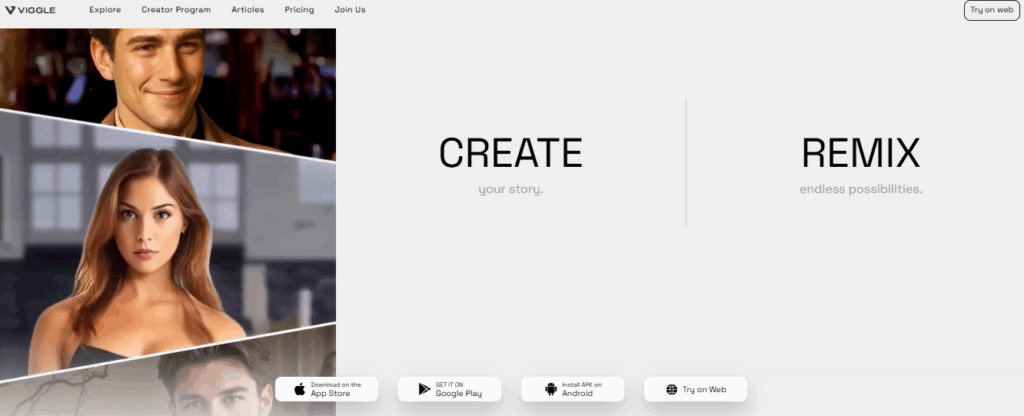
Image source: Viggle AI
Viggle AI is a powerful AI-driven animation tool that uses a model called JST-1, which mimics real-world physics to generate natural and expressive movement. With just a static character image or a text prompt, you can create short, vivid video clips that look like a pro animator made them.
It’s currently free to use via their Discord server or the official web version, making it accessible to everyone.
Why Use Viggle AI?
- Zero animation skills needed – Just upload, describe, and go!
- Fast creation – Most animations render in 2–5 minutes.
- Customizable – Control motion, background, style, and quality.
- Free during beta – No fees while it’s in beta testing.
- Community support – Active Discord channel to share, get feedback, and learn.
Step-by-Step: Creating Your First Viggle AI Animation
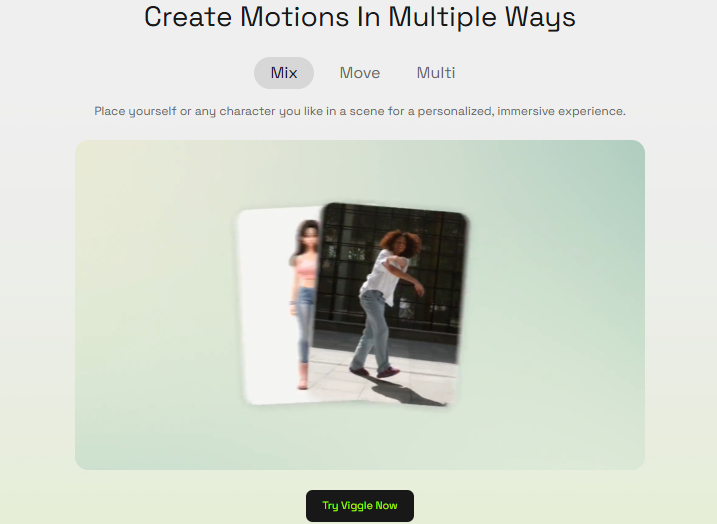
Image source: Viggle AI
Getting started with Viggle AI is simple and intuitive. Follow these step-by-step instructions to create your first animated clip in minutes.
Step 1: Sign Up and Access the Platform
You have two ways to access Viggle AI:
- Web Version (ideal for beginners): Visit their website here
- Discord Version (powerful, community-based): Join here
Create an account using your Google, Apple, or email login. Make sure your account is verified for Discord.
Step 2: Upload Your Character Image
A high-quality full-body image is essential. Think of it like giving the AI a mannequin to animate.
✅ Pro Tip: Make sure your image matches the type of motion you want (e.g., upright for walking, arms up for cheering).
Step 3: Choose an Animation Mode
Viggle offers three primary methods to bring your character to life:
| Method | What It Does | Ideal For |
| Animate | Animate from a static image + motion prompt | Quick clips with minimal input |
| Mix | Blend your character into an existing motion video | Replacing actors or memes |
| Ideate | Generate an animation from text only | Creative storytelling, no image needed |
You can use corresponding Discord commands like /animate, /mix, or /ideate or simply follow UI steps on the web version.
Step 4: Set Motion and Background
You can use pop-culture motions or write your own:
- “Michael Jackson moonwalk”
- “Superhero landing”
- “Excited happy dance”
Choose a background:
- White – For minimalist output
- Green Screen – For post-editing and overlays
- Template Scenes – For themed animations
Step 5: Enable Fine-Tuning
Click “Fine-tune” to improve animation realism. It takes a bit longer but results in smoother, more detailed motion, especially useful for professional content.
???? Pro Tip: Always use Fine-Tune for marketing, teaching, or branded projects.
Step 6: Generate and Download
Click “Generate” and wait 2–5 minutes. Once your clip is ready:
- Download directly
- Or save via Discord link
You now have a full animated clip ready for use!
Real-World Success Stories with Viggle AI
Image source: Canva
From podcasters and educators to marketers and influencers, creators across industries use Viggle AI to bring their ideas to life with animations that engage, entertain, and convert.
Podcasters: Turning Voice Into Motion
Podcasters are embracing visual storytelling to promote their audio content across social platforms. Viggle AI helps by turning spoken highlights into animated clips that engage viewers instantly.
Platforms like Podbean have seen significant success with this format.
- A podcast host animated a cartoon avatar lip-syncing a quote from their show.
- Shared on Instagram Reels and TikTok, the clip tripled average engagement.
- The animation introduced the podcast to a new visual audience and drove more listeners.
Key impact: Higher visibility, new audience reach, and more dynamic promotion of static audio content.
Educators: Making eLearning Fun and Memorable
Online educators are always looking for ways to improve learner engagement, especially on platforms like TalentLMS and Teachable. Viggle AI adds interactivity to otherwise static digital classrooms.
- Teachers create animated introductions to modules using mascots or characters.
- One example includes a “dancing mascot” clip before a quiz to energize learners.
- Animations help break the monotony of slides, improving knowledge retention.
Key impact: Boosted learner motivation, better course completion rates, and increased course satisfaction scores.
Marketers: Visual Ads That Sell
In ecommerce and digital advertising, motion content often outperforms static creatives. By integrating Viggle animations into ad campaigns through StoreYa, brands are seeing measurable improvements.
- A fashion retailer used Viggle to create a dancing avatar holding their product.
- The clip was used in Facebook ads managed via StoreYa’s platform.
- Resulted in a 24% increase in click-through rate and 17% more conversions.
Key impact: Enhanced ad performance, reduced cost-per-click, and more engaging product storytelling.
Become one of the 450,000+ successful merchants already using this platform to boost their sales and unlock your online business's full growth potential today!


Influencers: Creating Viral Memes and Shorts
Content creators and meme-makers use Viggle to tap into viral trends and create relatable, funny content. Platforms like TikTok and Instagram Reels reward creativity, and animated characters are eye-catching and easy to share.
- A creator used the prompt “Peter Parker’s evil dance” with a selfie for meme content.
- Another made a cat “walk confidently” using Viggle’s animation tools.
- One of these clips garnered over 3 million views in 48 hours, purely through organic reach.
Key impact: Viral growth, increased follower count, and content differentiation through motion-based humor.
What Can You Do With Viggle Videos?
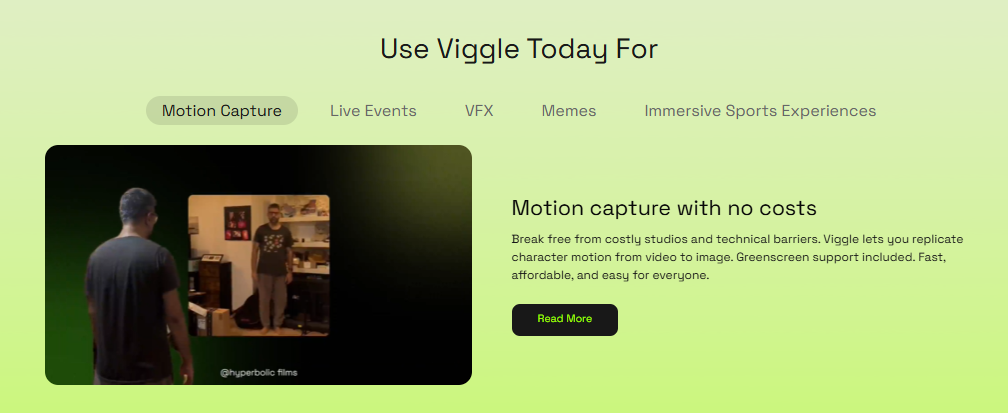
Image source: Viggle AI
Whether you’re building a brand, teaching a course, or creating content for fun, Viggle AI videos can be repurposed across platforms to maximize engagement, visibility, and creative impact.
| Platform | Use Case |
| StoreYa | Create product ads using characters performing trendy dances |
| Podbean | Share animated podcast quotes or promo reels |
| Teachable | Add animation to lessons, quizzes, or course intros |
| TalentLMS | Include fun characters in microlearning segments |
| YouTube Shorts / Instagram Reels | Grow audience with entertaining AI-generated content |
Tips for Getting the Best Results
Image source: Canva
Keep these essential tips in mind to make the most of Viggle AI and ensure your animations look polished and professional.
| Tip | Why It Matters |
| Use full-body images with clean backgrounds | Helps AI map accurate limb and body movements |
| Match the lighting to the motion scene | Prevents awkward shadows and visual mismatches |
| Choose “green screen” for layered editing | Allows overlapping your animation onto real videos |
| Write clear motion prompts | “Waving slowly” works better than “do something cool” |
| Enable fine-tuning | Always improves realism, especially facial detail |
How Viggle AI Works (For the Curious)
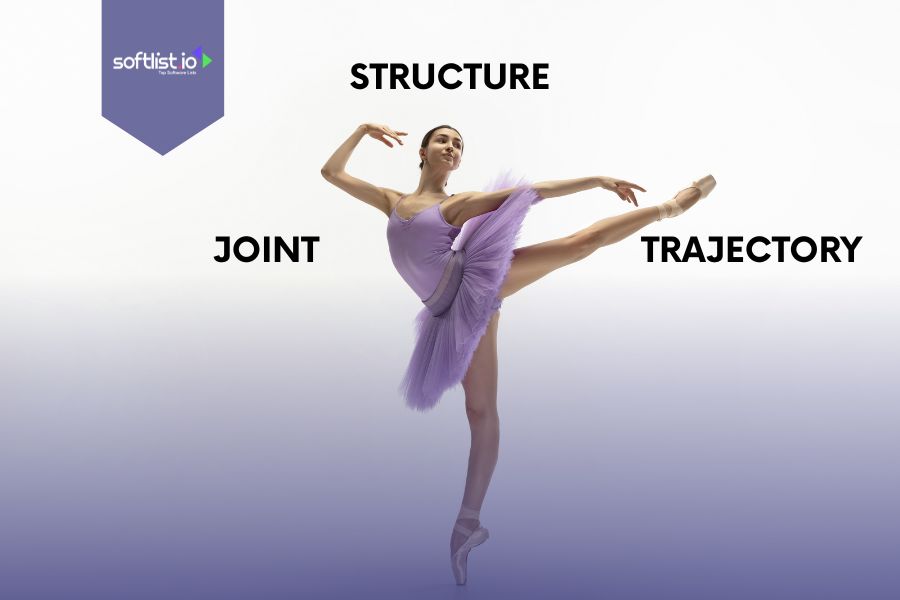
Image source: Canva
Viggle AI uses a physics-aware model called JST-1 (Joint, Structure, Trajectory) to create ultra-realistic character motion. Instead of relying on pre-set animations, it understands how the human body moves and adapts animations to your input in real time.
What’s JST-1?
- Joint Awareness: Tracks body joints and how they interact, keeping motion natural.
- Structural Integrity: Maintains anatomical correctness, avoiding unnatural bends.
- Trajectory Calculation: Uses physics to calculate speed, balance, and motion arcs.
Why It Feels Real
Unlike basic animation tools, JST-1 interprets prompts like “freestyle dance” with spontaneous, dynamic movements tailored to your character’s proportions and posture, even with just one image.
Why It Matters
There are no rigs, no coding, and no motion capture. Just upload a photo or type a prompt, and Viggle creates motion that feels alive, opening up pro-level animation to everyone.
Real-Time Smartness
ST-1 adjusts for different body types, angles, and scenarios, making animations that match your prompt even when it’s vague or ambitious.
Summary Table: Your Viggle AI Workflow
Image source: Viggle AI
This quick-reference table outlines each step of the Viggle AI animation process, helping you stay on track from start to finish.
| Step | Action |
| Sign Up | Web or Discord; create an account |
| Upload Character | Use a clear, full-body image |
| Choose Animation Method | Animate (image + prompt), Mix (image + video), or Ideate (text prompt) |
| Select Motion & Background | Pick a motion prompt and background |
| Fine-Tune | Enable for best quality |
| Generate & Download | Wait 2–5 minutes, then download your clip |
Want to Do More With Your Animation?
Image source: Teachable
Once your Viggle AI clip is ready, there are plenty of ways to enhance and repurpose it for greater impact:
- Edit with CapCut or Premiere Pro: Add audio, subtitles, or merge with other footage to create polished content for social media or presentations.
- Use in Presentations: Embed PowerPoint or Google Slides animations to liven up your pitch, training, or classroom material.
- Integrate into Online Courses: On platforms like Teachable or TalentLMS, use characters to explain topics, introduce modules, or offer visual recaps.
- Share on Social Media: Viggle clips are perfect for TikTok, YouTube Shorts, and Instagram Reels and can be synced to trending audio for increased visibility.
- Add Personality to Branding: Animate your mascot or team avatar to create fun intros, branded GIFs, or onboarding videos that resonate with your audience.
Whether for marketing, education, or entertainment, Viggle animations are flexible assets that help your message stand out across formats.
Join Teachable for everything you need to grow your course business—from meaningful support to creator-focused features.
Final Thoughts
Viggle AI is more than just an animation tool—it’s a creative gateway. You may be an educator, a podcaster, a marketer, or just someone looking to bring a character to life, Viggle gives you the tools to turn your ideas into engaging, animated content. It’s free, fast, and surprisingly powerful.
Ready to explore even more creative AI tools? Visit Softlist.io and subscribe for our exclusive deals and promotions to discover the full potential of Viggle AI and similar platforms. Whether you’re animating for business or fun, Softlist curates the best AI solutions to level up your content game.
FAQs
How to Use Viggle AI?
How to Use AI for Animation?
AI animation tools like Viggle use models such as JST-1 to simulate realistic motion based on physics and joint dynamics. You provide a character image or a motion description, and the AI generates a fluid, lifelike animation. It removes the need for manual rigging, keyframing, or advanced software.
How Long Does It Take for Viggle AI to Generate?
Viggle AI typically takes 2 to 5 minutes to generate an animation. Processing time depends on motion complexity, image quality, and server load. Enabling fine-tuning may add extra time but enhances the animation’s realism and detail.
Is Viggle AI Free or Paid?
Viggle AI is currently free to use during its public beta phase, especially through its Discord community. Users can access core features without payment, although premium options may be introduced in the future. It’s an ideal time to experiment with the tool while it’s still open access.
How Long Does It Take for Viggle AI to Generate?
Viggle AI typically takes 2 to 5 minutes to generate an animation. Processing time depends on motion complexity, image quality, and server load. Enabling fine-tuning may add extra time but enhances the animation’s realism and detail.
Is Viggle AI Free or Paid?
Viggle AI is currently free to use during its public beta phase, especially through its Discord community. Users can access core features without payment, although premium options may be introduced in the future. It’s an ideal time to experiment with the tool while it’s still open access.
How Many Videos Can You Make on Viggle?
Currently, there is no hard limit on the number of videos you can generate with Viggle AI during the free beta. However, server traffic or usage policies may affect generation frequency. Heavy users are encouraged to join the Discord for updates and priority access.




