
The digital design world is evolving rapidly, and platforms like Canva have become game-changers for creative professionals. If you’re a graphic designer, illustrator, photographer, videographer, or educator looking to monetize your creativity without the usual client pressures, Canva’s Creators Program offers a promising path. This program lets freelancers contribute digital assets to a global marketplace used by millions and earn royalties continuously.
This article explores everything you need to know about building a freelance career through Canva — how to join, what content you can create, how payments work, and the real earning potential. We’ll also cover the benefits of becoming a Canva Career Creator and tips to get started.
Key Takeaways:
- Canva’s Creators Program enables freelancers to earn passive income by uploading templates and design assets.
- Approval requires a strong portfolio and originality to meet Canva’s quality standards.
- Royalties are paid monthly based on content usage and licensing, with additional AI training royalties available.
- Earnings vary widely, with top creators making six figures and many earning a substantial side income.
- Creators benefit from global exposure, creative freedom, and a supportive community.
What Is the Canva for Creators Program?
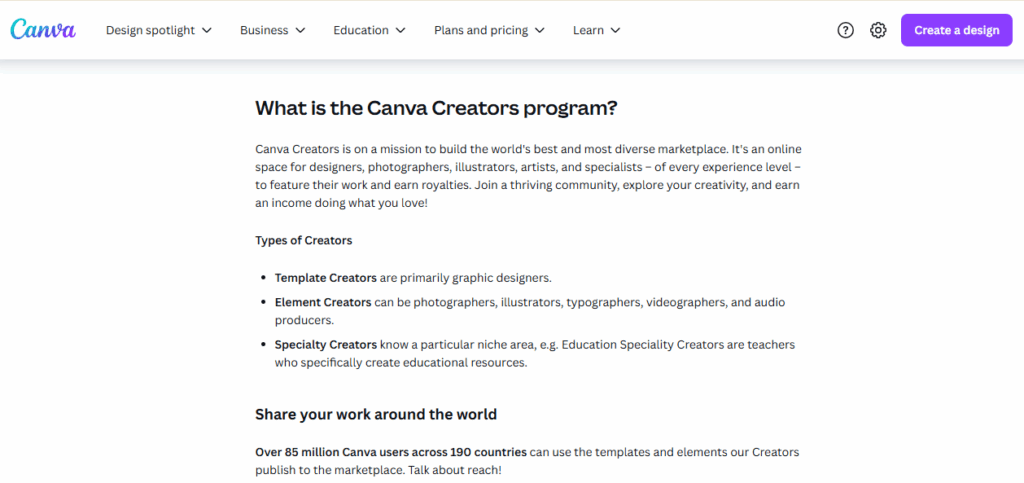
Image source: Canva
The Canva Creators Program is a unique marketplace where designers and artists can upload:
- Templates
- Photos
- Illustrations
- Videos
- Music and other design elements.
These assets are then available to Canva’s vast user base, which exceeds 85 million users across over 190 countries. Each time your content is used, you earn royalties, creating a form of passive income for your creative work.
Unlike traditional freelance gigs or agency work, you don’t have to chase clients or meet deadlines. Instead, you focus on creating high-quality, in-demand design assets that can sell repeatedly.
Who Can Become a Canva Creator?
The program welcomes a wide range of creators, including:
- Template Creators: Graphic designers specializing in customizable layouts for social media, presentations, flyers, marketing materials, and videos.
- Element Creators: Artists, photographers, illustrators, videographers, and audio producers who contribute photos, icons, videos, music, and other digital design assets.
- Specialty Creators: Professionals who produce niche content such as educational resources or materials tailored to specific industries.
This diversity means Canva values originality and niche expertise just as much as broad design skills.
Templates for absolutely anything. Customise an office template, or design something more personal, like an invitation.

How to Join the Canva Creators Program
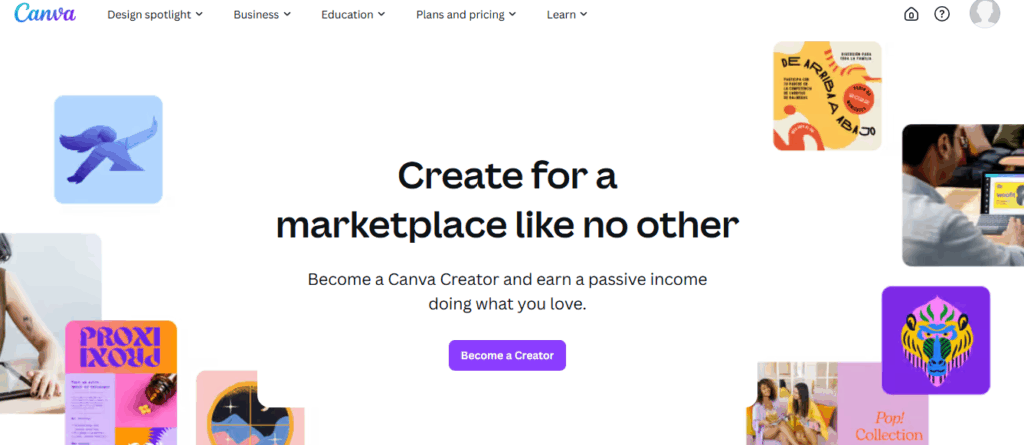
Image source: Canva
Joining is straightforward but selective, designed to maintain Canva’s quality standards.
Step 1: Application
- Visit the Canva Creators Application Page.
- Sign in or create a Canva account.
- Complete the application form, highlighting your design background and portfolio.
- Canva reviews applications within a few weeks, assessing your creativity and professionalism.
- If not accepted initially, you can improve your portfolio and reapply.
Step 2: Getting Started After Acceptance
- Once accepted, you receive access to the Creators dashboard.
- Upload your templates or elements for review.
- Each submission undergoes a quality and originality check before publication.
This process ensures only high-caliber work reaches Canva’s marketplace, protecting the platform’s reputation and user experience. It also raises the value of your published content.
What Can You Create and Sell on Canva?
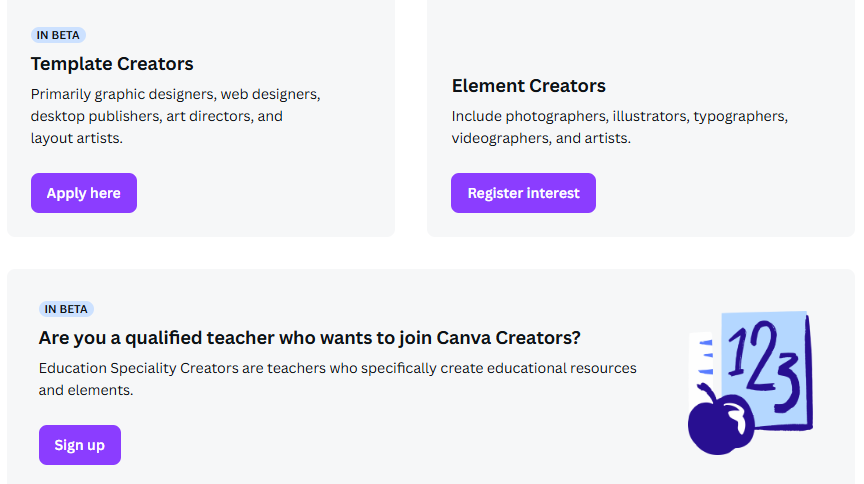
Image source: Canva
The program allows a variety of content types, enabling you to leverage your strengths:
| Content Type | Description | Examples |
| Templates | Editable designs for various uses | Social posts, flyers, presentations, videos |
| Elements | Standalone assets | Photos, illustrations, icons, audio, videos |
| Specialty Content | Niche or educational materials | Worksheets, lesson plans, infographics |
Because Canva users range from business owners to teachers, the demand for versatile, ready-to-use designs is high. Creators who develop trendy or niche-specific templates often see better traction.
Understanding Canva’s Royalty and Payment System
Image source: Canva
Canva’s royalty model is one of the most attractive aspects of the program, offering continuous income from your creative work.
1. How Royalties Are Calculated
Canva pays royalties based on the type of license purchased or the usage of your content. Here’s a general breakdown:
- Extended license: For premium assets sold at $100, creators earn about $35 per sale.
- Multi-user license: For assets sold at $10, creators receive $3.50 per sale.
- Standard license: For $1 sales, creators get around $0.35 per usage.
However, many Canva users access templates and elements through Pro subscriptions, meaning royalties are often paid based on usage rather than direct sales. This includes:
- Templates: Royalties are paid every time a template is downloaded, printed, or used in a presentation, for free and Pro users.
- Elements: Royalties are paid for every Pro export using your element.
- Canva pools subscription revenue and distributes it monthly to creators based on asset usage. The exact amounts and formulas remain confidential but are designed to reward popular content fairly.
2. AI Training Royalties
In a groundbreaking move, Canva has committed $200 million over three years to creators who opt to allow their work to be used for training Canva’s AI models. This includes an initial payment and ongoing monthly royalties for AI usage — a significant new revenue stream for eligible creators.
3. Payment Details
- Payments are made monthly on the 15th via PayPal, Payoneer, or Skrill.
- The minimum payout is $100 per month; smaller payments are possible with a 2% processing fee.
For more about earnings, visit Design Your Way’s Canva Contributor Earnings overview.
How Much Can You Earn as a Canva Creator?

Image source: Canva
Earnings vary widely based on your portfolio, content quality, and how well your assets meet market demand.
Income Statistics at a Glance
Here’s a quick look at the income statistics for Canva creators, showing the earning potential across different percentiles based on annual, monthly, and hourly rates.
| Percentile | Annual Earnings | Monthly Earnings | Hourly Rate* |
| Top 10% Creators | $100,000+ | $8,333+ | $48 |
| 75th Percentile | $86,000 | $7,166 | $41 |
| Average Creator | $69,369 | $5,780 | $33 |
| 25th Percentile | $54,500 | $4,541 | $26 |
*Estimated based on reported usage and content type
While these figures reflect the upper echelons of success, many creators earn meaningful side income or part-time revenue. The key is consistent uploading of fresh, high-quality content and understanding market trends.
Benefits of Becoming a Canva Creator
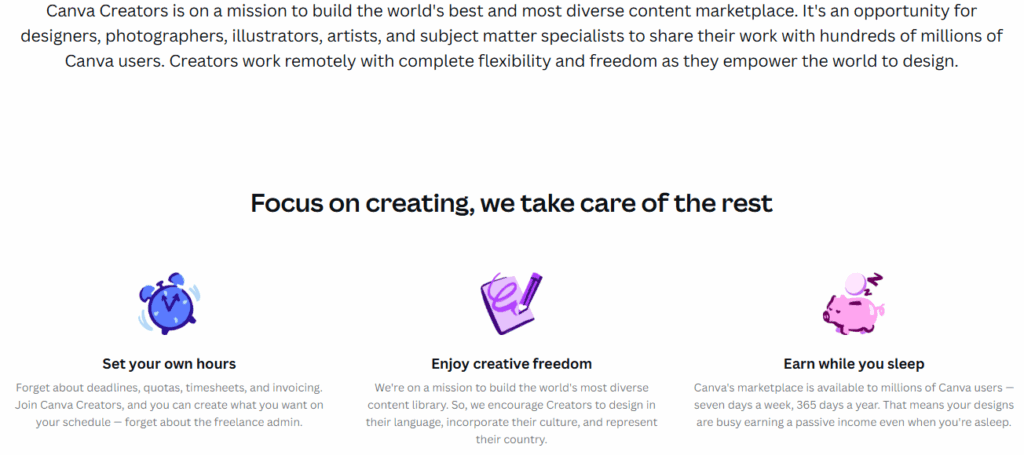
Image source: Canva
Beyond just money, the program offers unique advantages:
- Passive Income: Your assets generate revenue 24/7 worldwide.
- Creative Freedom: Design on your own terms—no client deadlines or revisions.
- Global Exposure: Showcase your work to over 85 million Canva users.
- Community & Support: Access to workshops, events, and a network of fellow creatives.
- Professional Growth: Build your brand and potentially leverage Canva exposure for further freelance opportunities.
Many creators find the mix of financial reward and creative independence highly fulfilling. See testimonials and creator stories on Life at Canva.
Tips for Succeeding as a Canva Creator
Image source: Canva
To succeed as a Canva Creator, it’s essential to focus on creating high-quality, in-demand content while leveraging the platform’s features and community support.
- Build a Strong Portfolio: Focus on originality, current trends, and diverse content formats. Upload consistently.
- Focus on Quality & Usability: Designs must be easy to customize and visually appealing to a wide audience.
- Stay Updated with Trends: Monitor Canva’s trending searches and seasonal themes to align your content.
- Engage with the Community: Participate in Canva forums and creator groups to gain insights and feedback.
- Leverage AI Opportunities: Consider opting in for AI training royalties as a long-term revenue stream.
For structured learning, explore courses like Canva Graphic Design for Entrepreneurs and Freelancers on Udemy.
Summary: Canva Creator Career Path
Image source: Canva
Here’s the summary of the Canva Creator career path, outlining the key stages and actions you need to take to succeed, from building your portfolio to scaling your earnings and exploring new opportunities.
| Stage | Description | Action Items |
| Preparation | Build your design skills and portfolio | Create diverse, original digital assets |
| Application | Apply via Canva Creators page | Submit portfolio, await approval |
| Content Creation | Upload templates, photos, videos, or audio | Maintain quality, submit regularly |
| Royalties & Growth | Earn passive income, monitor earnings | Optimize content based on analytics |
| Expansion | Explore AI royalties, community engagement | Scale content volume and diversify styles |
Conclusion
The Canva Creators Program is an exciting career avenue for freelancers seeking to monetize their creative skills on a global scale. With millions of users hungry for quality content, the opportunity to earn royalties from your designs provides a powerful source of passive income. Whether you’re a seasoned designer or an aspiring digital artist, Canva’s platform offers an accessible, supportive, and potentially lucrative way to build your freelance career.
Looking for the best deals and promotions on top software tools? Visit Softlist.io to explore exclusive offers and discover top 10 content creation tools. Start maximizing your creative workflow with trusted software solutions today!
FAQs
How Do You Earn Royalties in Canva?
You earn royalties in Canva by uploading templates, photos, icons, videos, and other design assets to the marketplace. Each time your content is used—whether downloaded, printed, or exported by Pro users—you receive a royalty payment. Additionally, you can earn royalties through Canva’s AI training program if you opt to allow your work to train their AI models.
Do Creators on Canva Get Paid?
Yes, creators on Canva are paid royalties based on the usage of their content. Payments are made monthly via PayPal, Payoneer, or Skrill, and the amount varies depending on the content’s usage and licensing type. Canva careers remotely offer the flexibility to work from anywhere while earning a steady stream of passive income.
Can I Make Money Using Canva?
Yes, you can make money using Canva by uploading digital assets like templates, photos, and illustrations to their marketplace. Each time your content is downloaded, printed, or used by Pro users, you earn royalties. Additionally, you can earn more by opting into Canva’s AI training program, which provides ongoing royalties for your work being used to train their AI models.
How To Get Hired by Canva?
Careers at Canva don’t involve direct employment but rather joining the Canva Creators Program. After applying with a strong portfolio, Canva reviews your submission and grants access to upload content if accepted. Once accepted, you can start creating and earning royalties from your designs.
How Do I Start Work on Canva?
To start working on Canva, first, sign up for a Canva account if you don’t have one. Then, apply to the Canva Creators Program by submitting your portfolio on the Canva careers page. Once accepted, you can begin uploading your design templates, photos, illustrations, and other digital assets to the marketplace and start earning royalties from their usage.




