Google’s latest AI breakthrough, Nano Banana, transforms how designers approach image editing by replacing complex tool mastery with simple text prompts. This editor is powered by Gemini 2.5 Flash Image (aka ‘Nano Banana’) delivers character consistency and pixel-perfect editing capabilities that challenge traditional software like Photoshop. API pricing is $0.039 per 1024×1024 image for Gemini 2.5 Flash Image, based on $30 per 1M output tokens and 1,290 tokens per image.
In this article, we break down Nano Banana’s core features, the Photoshop (Beta) workflow, real-world use cases, pricing and limits, and when it’s the right fit versus traditional editors.
Key Takeaways
- Nano Banana uses Gemini 2.5 Flash Image to deliver fast, prompt-based edits with strong character consistency.
- It now works inside Photoshop Beta via Generative Fill, so creators can edit and finish in one workflow.
- API pricing is about $0.039 per 1024×1024 image, making high-volume use cost-effective.
- Results are strong but may need touch-ups for edges, saturation, perspective, and exact text rendering.
- It’s best for rapid content creation and iterations, while pixel-perfect print work may still favor traditional tools.
The emergence of AI-powered image editing represents a fundamental shift in creative workflows.
What Makes Nano Banana Different From Traditional Image Editors
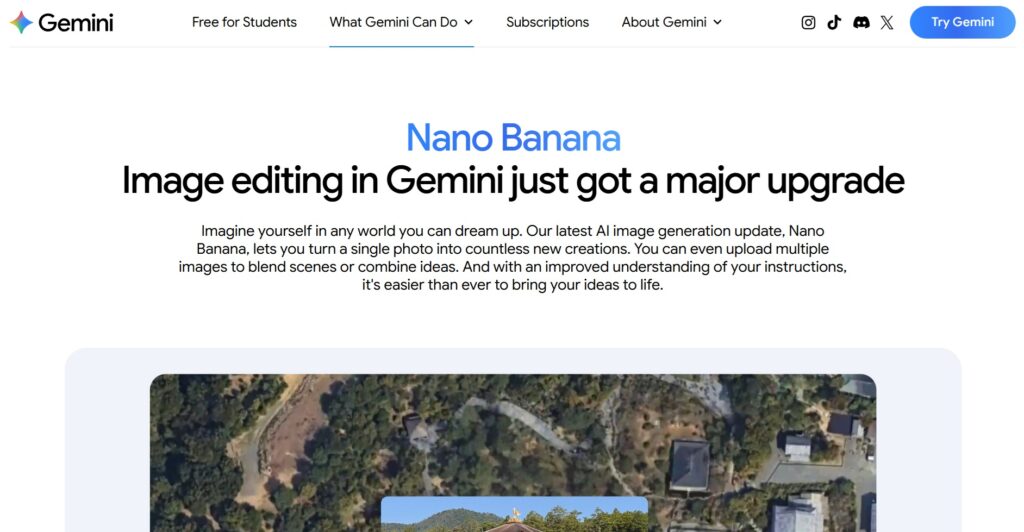
Image Source: gemini.google
Nano Banana eliminates the steep learning curve associated with traditional image editing software by replacing tool-based workflows with natural language commands. Users can achieve professional-quality results without mastering layers, masks, or complex selection tools. The AI understands context and maintains visual consistency across multiple edits.
Traditional editors require extensive training and practice to achieve professional results. Nano banana google integration streamlines this process through Gemini’s conversational interface.
Character Consistency Technology
The standout feature of Nano Banana AI lies in its ability to maintain character consistency across different scenes and contexts. Users can upload a base image and generate multiple variations while preserving the subject’s core characteristics. This capability proves particularly valuable for content creators developing consistent visual narratives.
The technology recognizes facial features, clothing styles, and distinctive characteristics to ensure continuity. Professional animators and game developers can create sprite sheets and character poses without manual redrawing.
Multi-Image Blending Capabilities
Nano Banana Gemini supports simultaneous processing of multiple source images to create composite scenes. Users can blend up to 13 different images while maintaining realistic lighting and perspective relationships. This feature enables complex creative projects that would require hours of manual work in traditional software.
The AI analyzes each source image’s lighting conditions and visual style to create seamless compositions. Brand designers can combine logo elements, backgrounds, and product shots with natural integration.
Real-World Understanding and Context
Unlike basic generative AI tools, Nano Banana AI free version demonstrates understanding of real-world geography and physics. Users can specify Google Maps locations and receive realistic images showing what someone would see from that vantage point. The AI considers architectural styles, vegetation, and regional characteristics.
This capability extends to understanding spatial relationships and object interactions. Designers can create realistic product mockups and environmental scenes with accurate lighting and shadows.
| Feature | Nano Banana | Traditional Photoshop | Basic AI Editors |
|---|---|---|---|
| Learning Curve | Minimal (text prompts) | Steep (months to master) | Moderate |
| Character Consistency | Advanced AI-powered | Manual layer management | Limited or none |
| Cost per Image | $0.039 via API | $22.99/month subscription | Varies widely |
| Multi-Image Blending | Up to 13 images | Unlimited but manual | Usually 2-3 images |
| Text Rendering | Improved accuracy | Vector-based precision | Often problematic |
| Real-World Context | Geographic understanding | User knowledge required | Basic or none |
Understanding the practical applications helps evaluate whether this technology fits specific creative workflows.
Practical Applications for Different User Types

Nano banana google serves distinct user groups with varying needs and technical backgrounds. Content creators benefit from rapid iteration capabilities, while professional designers appreciate the consistency features. Small businesses can produce marketing materials without hiring specialized talent or purchasing expensive software licenses.
The iterative workflow allows users to refine images through conversational feedback rather than starting from scratch. This approach reduces creative bottlenecks and enables faster project completion.
Game Developers and Animators
Independent game developers face significant asset creation challenges due to budget and time constraints. Nano Banana AI addresses this by generating consistent character sprites and animation frames from a single base image. Developers can create entire character sets with various poses, expressions, and outfit variations.
Steam requires developers to disclose AI use in submissions and label content accordingly.
Marketing Teams and Content Creators
Marketing professionals need consistent brand imagery across multiple campaigns and platforms. The character consistency feature ensures brand mascots and spokesperson images maintain visual continuity across different contexts. Social media managers can generate variations of successful posts without losing brand recognition.
Brand-safe images become easier to produce when the AI maintains approved visual guidelines automatically.
Small Business Owners
Small businesses often lack budget for professional design services or expensive software subscriptions. Nano banana’s affordable API pricing makes professional-quality image editing accessible to bootstrap operations. Restaurant owners can create menu graphics, retail stores can produce promotional materials, and service providers can generate professional headshots.
Using Nano Banana Inside Photoshop (Beta): What It Looks Like in Practice
Adobe has added Nano Banana (Gemini 2.5 Flash Image) as a selectable model inside Photoshop Beta via Generative Fill, letting editors stay in a familiar workspace while testing prompt-based edits. Below is a quick, practical snapshot of how creators actually use it, based on hands-on demos.
How to Access It (Photoshop Beta)
- Make a selection → Generative Fill.
- Click the small “G” model picker → choose Gemini 2.5 (Nano Banana).
- Enter a clear, constrained prompt (e.g., “add a leather jacket—do not change face”).
Fast Workflow Pattern
- Edit: Run Generative Fill on a tight selection (avoid full-canvas when you want likeness consistency).
- Blend: Use a soft brush/mask to soften edges and fix seams.
- Match: Nudge saturation/levels to match the background.
- Upscale: Use Image → Generative Upscale (2×/4×) to finalize delivery assets.
Strengths Observed
- Maintains subject likeness better when the selection excludes the face.
- Quick scene swaps (e.g., snowy environments) without leaving Photoshop.
- Multiple variations per prompt for rapid A/B picks.
Common Fix-Ups (Be Ready To…)
- Re-run with stricter instructions (“do not alter face/eyes/hair”).
- Correct scale/perspective for inserted objects (e.g., animal size/distance).
- Tweak color cohesion (saturation/temperature) after fill.
Pro Tips (Mini Matrix)
| Goal | Prompting Tip | Photoshop Aid |
|---|---|---|
| Preserve face | Add “do not change face” | Lasso only clothing/hair |
| Cleaner edges | Specify “clean seam” | Feathered mask + soft brush |
| Depth realism | Call out distance/side | Transform + Levels/Curves |
This subsection gives readers a concrete, reproducible workflow that bridges Nano Banana’s AI power with Photoshop’s precise finishing tools.
Current Limitations and Challenges

Despite impressive capabilities, Nano Banana Gemini faces several practical limitations that affect its suitability for certain projects. Text rendering, while improved, still occasionally adds extra characters or produces spelling errors. Professional projects requiring perfect typography may need additional verification steps. Google’s latest release notes emphasize production readiness and expanded aspect ratios for Gemini 2.5 Flash Image.
The AI sometimes interprets prompts creatively rather than following exact instructions. Users may need multiple attempts to achieve desired results, potentially increasing actual costs beyond the base API pricing.
Content Restrictions and Censorship
Google implements strict content policies that prevent generation of adult content, violence, or potentially controversial imagery. Creative projects requiring edgy or provocative visuals cannot use this platform. The safety filters may also block legitimate creative concepts that trigger false positives.
Commercial artists working on mature themes or artistic nude photography cannot rely on this tool for their professional needs.
Character Consistency Accuracy
While character consistency represents a major advancement, the technology still produces subtle uncanny valley effects with human subjects. Professional portrait work may require traditional editing techniques for final polish. The AI works better with illustrated characters than photographic subjects.
Lighting and shadow inconsistencies can occur when blending images from different sources with varying illumination conditions.
Prompt Interpretation Variability
The AI’s creative interpretation of prompts can produce unexpected results that diverge from user intentions. Complex editing requests may require multiple iterations to achieve desired outcomes. This unpredictability makes project timeline estimation challenging for professional workflows.
How Nano Banana Compares to Other AI Image Editors
This section contrasts Nano Banana’s strengths—speed, character consistency, and Photoshop (Beta) workflow—with popular alternatives like Picsart, Leonardo AI, PhotoAI, and Getimg.ai. You’ll see where it excels, where others are stronger, and which tool best fits your specific use case.
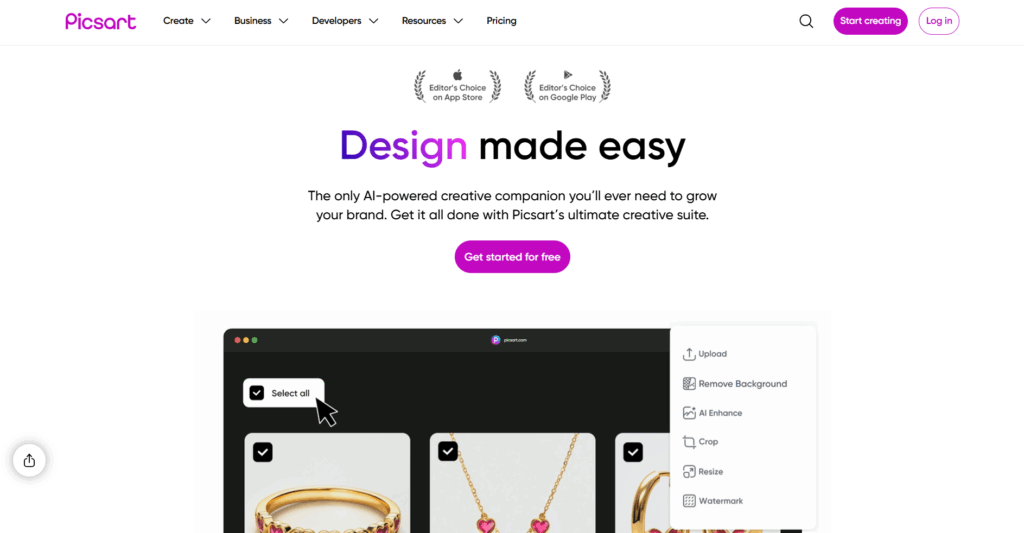
Image Source: Picsart
Picsart
Picsart offers a hybrid approach combining traditional editing tools with AI-powered features for mobile and desktop users. The platform provides extensive template libraries and social sharing capabilities that appeal to casual creators and social media managers.
The only AI-powered creative companion you’ll ever need to grow your brand. Get it all done with Picsart’s ultimate creative suite.

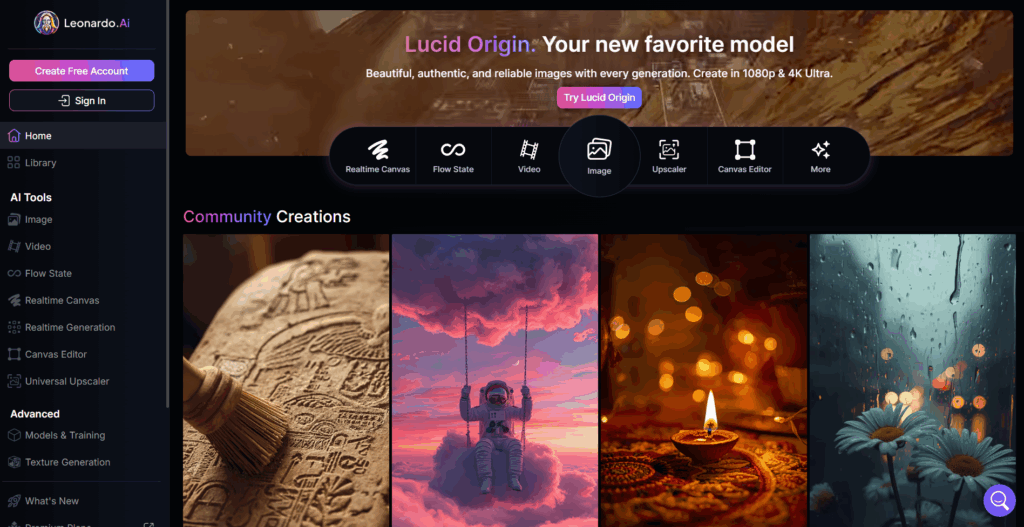
Image Source: Leonardo AI
Leonardo AI
Leonardo AI specializes in game asset creation and fantasy artwork with fine-grained control over artistic styles and rendering techniques. The platform excels at character design and concept art but lacks Nano Banana’s real-world understanding capabilities.
Discover an unprecedented fusion of simplicity and power, designed to cater to creative minds at all levels. Leverage generative AI with a unique suite of tools to convey your ideas to the world.
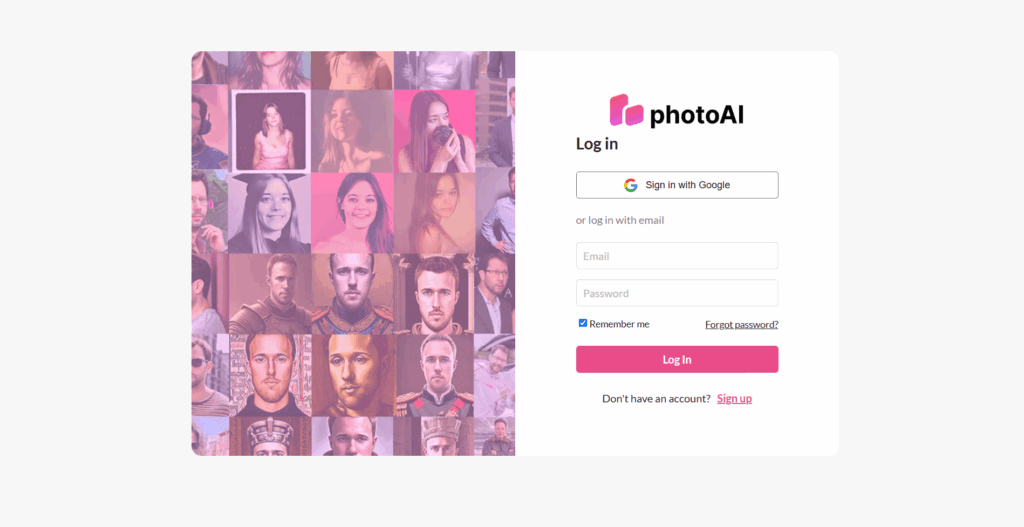
Image Source: PhotoAI
PhotoAI
PhotoAI focuses specifically on portrait enhancement and professional headshot generation with advanced facial recognition technology. The service provides more precise control over facial features and expressions but offers limited scene composition capabilities.
Boost your profile picture on Tinder, LinkedIn, Twitter, Instagram or elsewhere with photoai.me Upload photos of yourself and get new stunning AI photos!

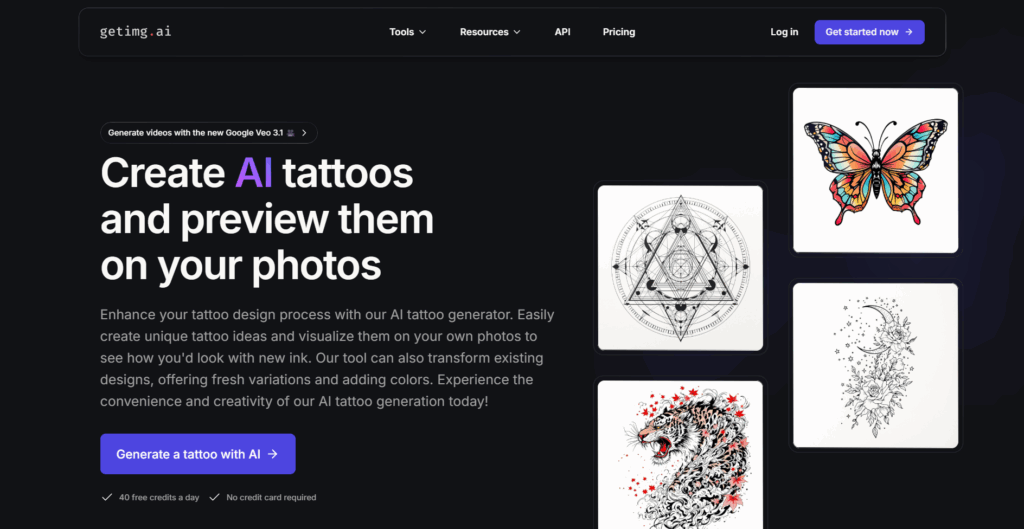
Image Source: Getimg.ai
Getimg.ai
Getimg.ai provides API-first image generation with competitive pricing and extensive model selection for developers and businesses. The platform offers more flexibility in model choice but requires more technical knowledge to implement effectively than Gemini’s integrated approach.
Enhance your tattoo design process with our AI tattoo generator. Easily create unique tattoo ideas and visualize them on your own photos to see how you'd look with new ink.
Who Should Consider Nano Banana
Image Source: gemini.google
Nano Banana AI works best for users who prioritize speed and consistency over pixel-perfect control. Content creators producing social media graphics, marketing materials, and conceptual artwork will find the most value. Small businesses needing professional imagery without design expertise can achieve impressive results quickly.
Professional designers working on client projects may use it for rapid prototyping and concept development before moving to traditional tools for final production. The cost-effectiveness makes it attractive for high-volume content production.
Best Fit Scenarios
- Social media content creation requiring consistent character imagery
- Game development with limited art budgets and tight timelines
- Marketing campaigns needing multiple image variations quickly
- Small business promotional materials without design expertise
- Concept development and creative brainstorming sessions
- Educational content creation with visual storytelling needs
Poor Fit Scenarios
- Professional photography retouching requiring precise control
- Print design projects with exact color and typography requirements
- Adult content or mature artistic themes
- Projects requiring complete creative control and predictability
- High-stakes commercial work with zero error tolerance
- Complex technical illustrations with specific accuracy requirements
Understanding pricing and access options helps with implementation planning.
Pricing and Access Options
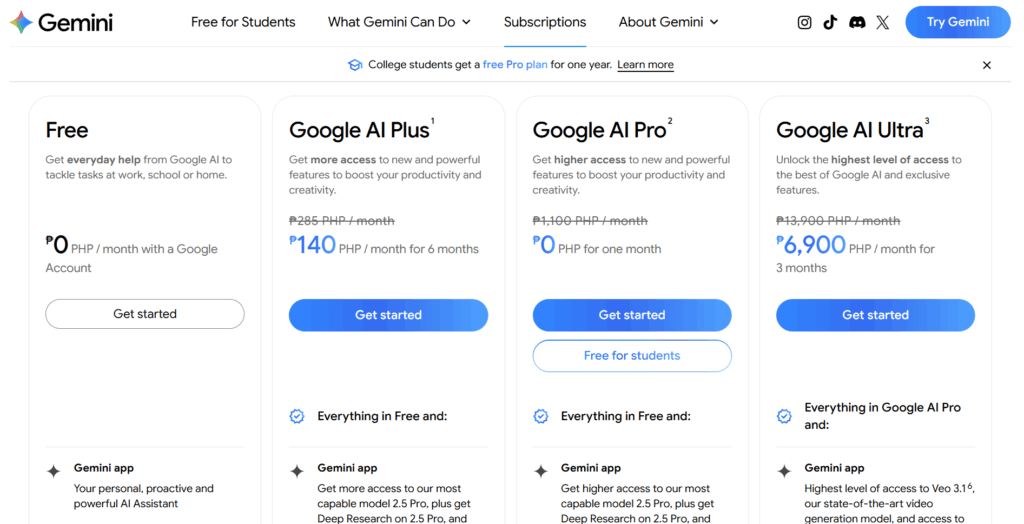
Image Source: gemini.google
Free tier allows up to 100 images/day; paid plans (AI Pro/Ultra) allow up to 1,000 images/day per Help Center. Exact limits can change. The API pricing of 3.9 cents per image makes it cost-effective for business applications compared to traditional design software subscriptions. Enterprise users can access higher usage tiers through Google AI Studio with volume discounting.
The pricing model favors high-volume users over occasional creators who might prefer subscription-based alternatives. Businesses processing hundreds of images monthly will see significant cost savings compared to hiring designers or purchasing multiple software licenses.
| Access Method | Cost | Usage Limits | Best For |
|---|---|---|---|
| Gemini Free | No charge | Daily limits apply | Personal projects, testing |
| API Access | $0.039 per image | Based on usage | Business applications, automation |
| Google AI Studio | Volume pricing | Enterprise quotas | Large-scale implementations |
At Softlist.io, we help teams evaluate AI tools based on real-world testing and transparent comparisons. Our analysis considers not just features but practical implementation challenges and long-term value for different use cases.
Conclusion
Nano Banana represents a significant step toward democratizing professional image editing through AI-powered simplicity and consistency. While it cannot completely replace traditional tools for all use cases, it offers compelling advantages for content creation, rapid prototyping, and cost-conscious creative workflows. The technology’s evolution will likely continue improving text accuracy and expanding creative possibilities while maintaining its core accessibility advantage.
Softlist.io helps you choose the right tools with confidence through research-driven reviews and clear comparisons of software alternatives. Our editorial team tests image editors and creative tools to give you evidence-based recommendations. Learn more about which editor fits your workflow best.
FAQs
Is Nano Banana Free To Use?
Yes, Nano Banana is free to use, providing users with access to its innovative image editing features without any cost. This allows individuals and teams to experiment with powerful editing tools without financial commitment.
Why Is It Called Nano Banana?
The name “Nano Banana” reflects a playful branding choice by Google, suggesting both the compact and efficient nature of the software (nano) and a lighthearted approach to creativity (banana). This unique name helps it stand out in a crowded market.
How Can I Access Nano Banana?
You can access Nano Banana through its official website or via Google’s suite of tools. Simply visit the website, and you’ll find straightforward instructions for signing up and getting started with the image editor.