

Finding the right image or tracing its origins can be challenging, but reverse image search tools make this task easier. Reverse image search helps users by allowing them to upload an image and find similar pictures or related information across the web.
Whether you’re looking to identify an unknown photo, verify its authenticity, or search for higher-quality versions, these tools streamline the process. Instead of typing a search query, you can query by image content, which provides more accurate results, especially when words alone can’t describe an image.
You can even conduct an online search directly from your desktop or search on your phone with most reverse image search tools. Discover the 21 best reverse image search tools and see how they can enhance your search experience. Read on!
Key Takeaways
- Google Reverse Image Search finds photos by upload or URL using visual analysis.
- It’s useful for locating sources, checking usage, or product discovery.
- You can also search by keywords to refine and filter results.
- Tools like TinEye and Yandex offer accurate reverse photo search alternatives.
- Reverse image tools help track history and spot similar or duplicate images online.
Shutterstock

Source: Shutterstock
Shutterstock is a reverse image search that allows you to locate the original source of an image. It’s a great tool for finding out where an image was taken and by whom.
Shutterstock provides an intuitive interface for customers to search and find high-quality images from extensive collections of professional photographers, illustrators, and artists. The company maintains high-quality standards by using its own highly trained team of reviewers to oversee submissions from contributors worldwide.
Shutterstock is built for speed, so you can quickly find what you’re looking for and get back to creating great things.
Pricing
- Packs: Standard starts at $29
- Annual Subscription: Starts at $29/month
- Month-to-month subscription: Starts at $49/month

Lenso.ai

Lenso.ai is a prime example of an AI image search tool that makes it easy for you to find the images that you are most interested in. Thanks to the advanced AI technology incorporated in Lenso.ai, you can easily search for:
- Places – find similar landscapes, buildings, places, and similar locations in the image
- People* – find similar faces with face recognition; track your digital footprint with Lenso face detection
- Duplicates – search for duplicates of your uploaded image, as well as edited, cropped, or filtered versions of the picture; view the original version of an altered or edited photos
- Similar – search for images that are similar to the image you uploaded, but not duplicates of it; find pictures with a matching layout or content; search for similar objects within the image
- Related – find images that are related to the uploaded image, but not always visually similar; find photos that are related to the original you are looking for.
Pricing
- Free: $0
- Starter: $19.99/month
- Professional: $49.99/month
- Developer: $199.99/month
Lenso.ai is a perfect example of an AI image search tool, where you can simply search for images that you are most interested in.


Yahoo Images

Source: Yahoo Images
Yahoo Images is the best place to search for and discover images and videos. You can also customize your search by using “advanced image search” to narrow your search results.
Yahoo Images uses reverse image search technology to find out where an image came from and how it’s being used elsewhere on the web.
Yahoo Images is the best reverse image search tool for people, businesses, and blogs. It helps you find out where an image was taken from, how it was edited, or if it’s safe to use on your blog or website. Yahoo Image Search returns all the different image versions to ensure you get the one you want.
Pricing
- Contact Yahoo! Images for pricing details.
Yandex

The best reverse image search tool is Yandex. They are the most advanced and have the best results. They also have a useful reverse image search tool that works for text.
Yandex Search is an intelligent search engine that uses a special algorithm to identify the most relevant information from over a billion pages indexed by Yandex. The search results are ordered by relevance to your query.
As you type into the search box, Yandex Search automatically displays suggested queries based on what you’ve typed so far. You can also find any query you’re looking for using Yandex’s list of top queries or related searches at the end of each results page.
Pricing
- Contact Yandex for pricing details.
How to Perform a Reverse Image Search Using Yandex Images
- Visit Yandex Images.
- Click the camera icon beside the search bar.
- Upload an image or paste a URL.
- Yandex scans facial features, objects, backgrounds, and composition.
- View exact matches, similar images, and contextual results (especially useful for people or landmarks).
Tip: Ideal for facial recognition, scenery detection, and searching images not indexed by Google.
DNS Checker
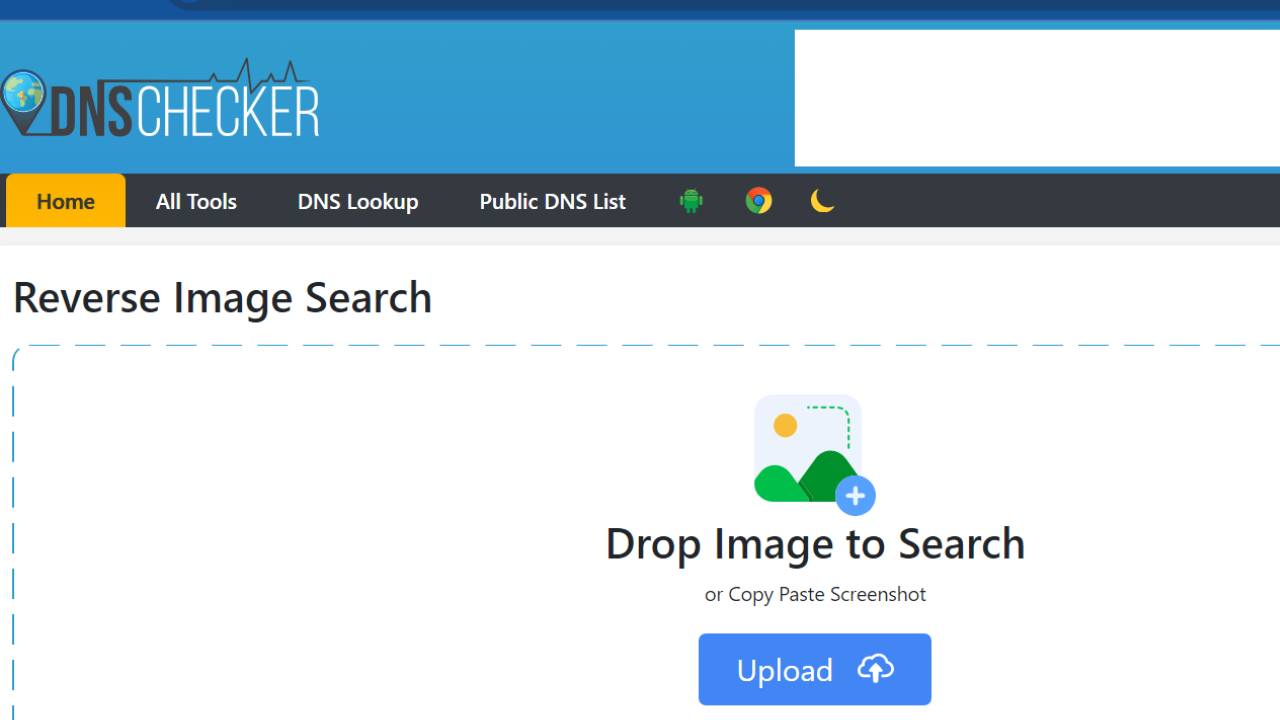
DNS Checker is a reverse image search tool. It can help you find the source of any image, find similar images, or find an image’s owner.
DNS Checker will help you find the source of an image. You can enter an image URL or upload an image directly, and they will show you where this picture is located on the web.
DNS Checker will then perform an advanced search and return the results in real-time. DNS Checker makes it easy to find out where an image was found on the Internet. You can use this tool for your own needs or educational purposes.
Pricing
- Contact DNS Checker for pricing details.
Flickr

Flickr offers a reverse image search tool. The tool can find other photos uploaded to Flickr by people who have taken the same shot.
The Flickr Reverse Image Search tool allows you to find out where else an image has been used. It also helps you determine whether an image is copyrighted and whether you need to ask permission to use it.
Pricing
- Contact Flickr for pricing details.
Hosting Checker
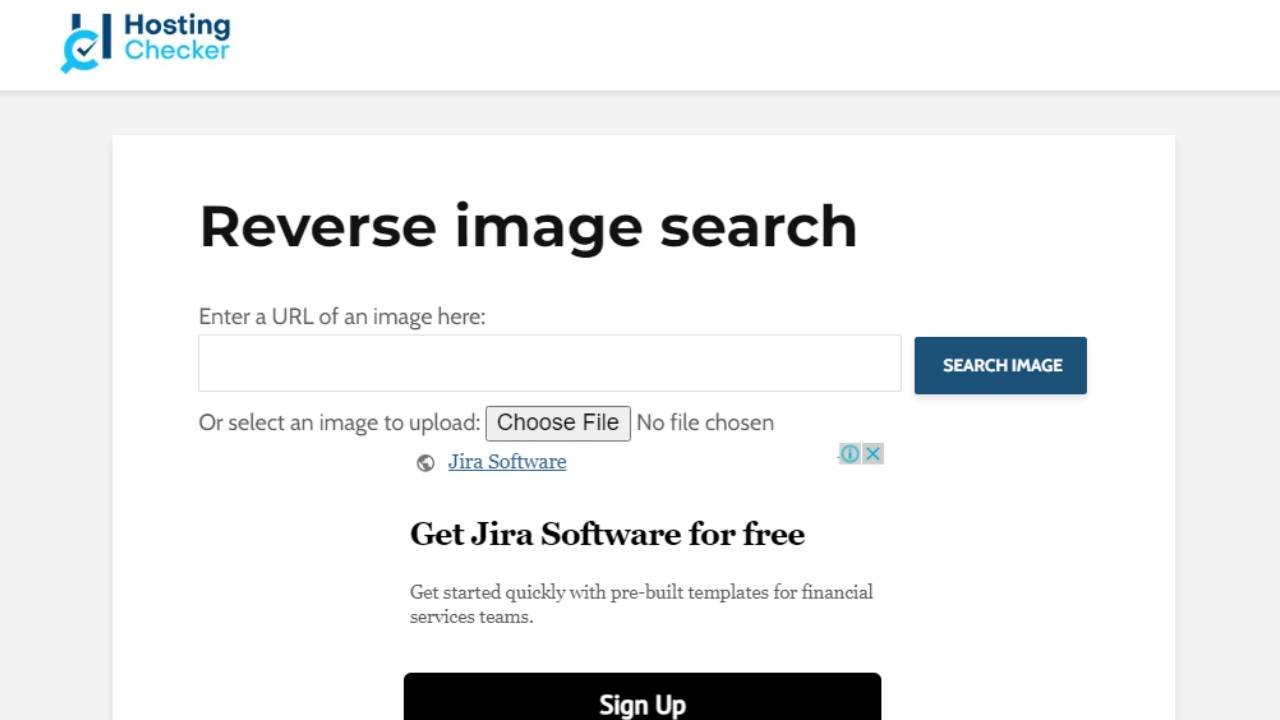
Hosting Checker is a free service that allows you to check the hosting location of any website. Simply type in the domain name or an IP address and get instant results for hostname, country, state, city, and zip code.
Hosting Checker also provides a reverse image search tool to determine where an image came from.
It’s straightforward to use: just upload any image from your computer, and the Hosting Checker will show you information about it. If you like, you can reverse search other images from websites and social networks such as Twitter and Facebook.
Pricing
- Contact Hosting Checker for pricing details.
Veracity

Veracity is the best reverse image search tool online. Use it to discover where an image originated or if someone has stolen your content.
Veracity is a free tool that allows you to search for images and videos on the Internet, by comparing them against a database of billions of images. You can also use Veracity as a reverse image search engine – simply drag and drop your image into the search box or upload it from your computer.
When you submit an image for reverse image search, Veracity checks all major social media sites that host photos – including Facebook, Instagram, and Twitter – and Google Image Search. When they find a match, it will display results directly beside your image. They even show you related images.
Pricing
- Contact Veracity for pricing details.
Labnol’s Reverse Image Search
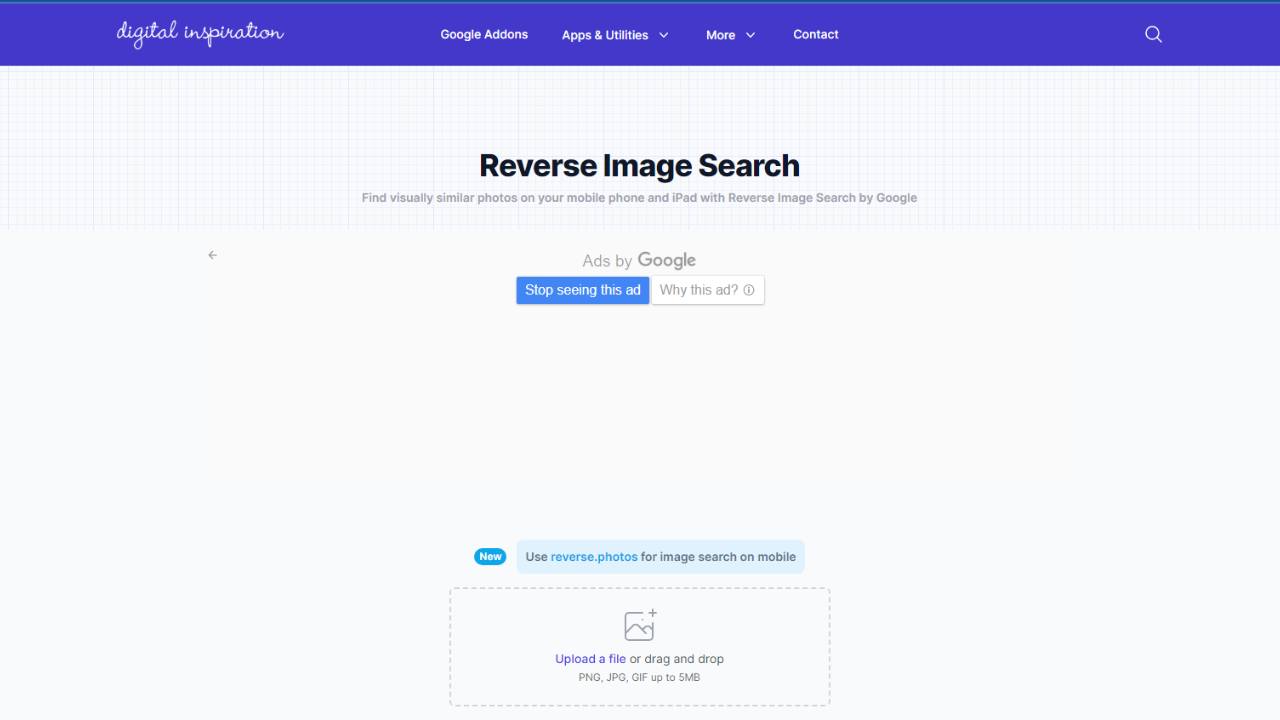
Labnol’s Reverse Image Search is the easiest way to determine where an image originated.
You can reverse search by uploading a picture or entering an image URL. Labnol’s reverse image search engine will then try to find similar images on the web. The results are sorted by relevance and come with a direct link to the source so you can check out the image in its original context and other similar results.
Pricing
- Contact Labnol’s Reverse Image Search for pricing details.
IQDB.org
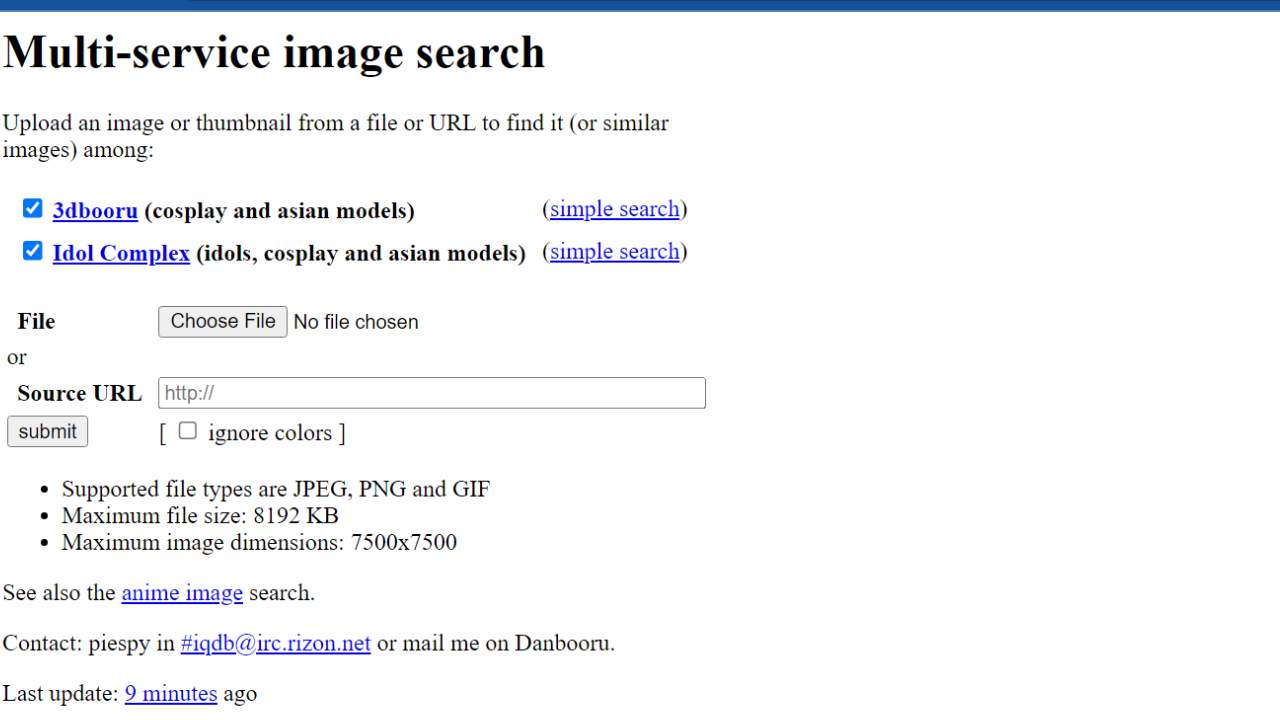
IQDB.org is the best reverse image search engine in the world. Find out where the image you are looking for is from, who uploaded it, and where it is located.
IQDB.org is a free tool that enables you to search millions of images and videos in real-time. They give you all the tools you need to find the right results, including a reverse image search tool and a search-by-image feature. IQDB.org’s advanced technology lets you find out where an image has been posted online before, who uploaded it, and where it is now.
Pricing
- Contact IQDB.org for pricing details.
Freepik
Freepik is a reverse image search engine that allows users to search for a specific image by uploading it or entering the photo URL they would like to find. The website then returns results with similar images from across the internet. Freepik also offers tools for finding free stock images and vector graphics that can be downloaded directly from their website.
Use Freepik for free to find the best high-quality and royalty-free images. Freepik aims to help you find the perfect vector for your design projects.
Pricing
- 12 months: €9/month (€108/year)
- 1 month: €15/month
TinEye
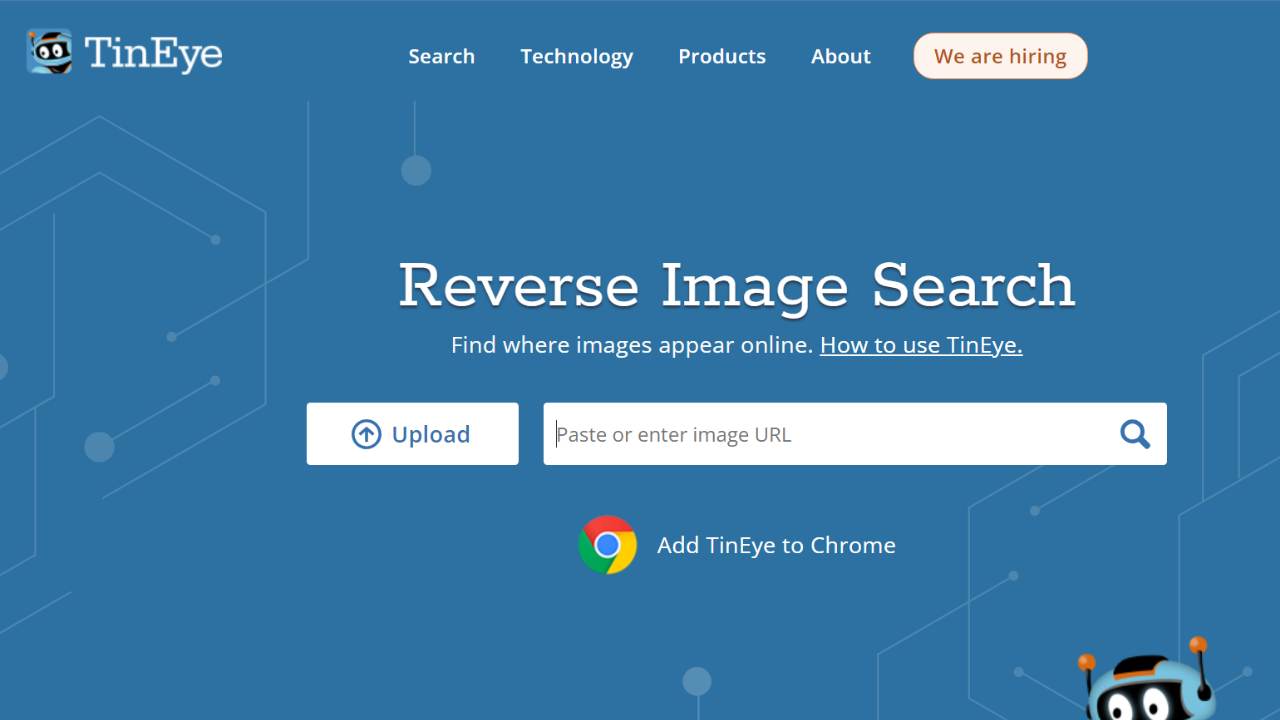
TinEye is a reverse image search engine that uses advanced technology to find high-quality matches for your photos. They use various algorithms to determine how similar two images are; then they rank results according to how likely they are to be identical. TinEye can even find results that look like your photos but aren’t the same.
It’s not just a tool for finding duplicate images; you can also track down the origins of your favorite photos, see who has been using them, and discover how they are being used.
It uses a unique algorithm to identify duplicates of any given image. The algorithm analyzes each pixel in the image and compares it against similar images in its index to find exact matches, near matches, and similar images.
Pricing
- Contact TinEye for pricing details.
How to Perform a Reverse Image Search Using TinEye
- Go to TinEye.
- Upload your image or paste a URL into the search bar.
- Click “Search” to begin.
- TinEye returns results that show:
- Where the image appears online
- Different versions (cropped, edited, resized)
- File size, resolution, and date of appearance
- Use filters like Newest, Oldest, Best Match to sort results.
Tip: Best for copyright checks, finding the first usage of an image, and tracking alterations.
SmallSEOTools
SmallSEOTools is a Reverse Image Search Tool that lets you search for an image across the web. It is a powerful tool that helps you find the source of any picture on the internet. It’s fast and accurate.
The most crucial feature of SmallSEOTools is that it doesn’t require you to upload images to perform a reverse image search on them. You can simply drag and drop your photo into the application window, and it will instantly start searching for similar images on the web.
SmallSEOTools supports all popular file formats, including JPG, GIF, and PNG. It also has the option to crop your photos before performing a reverse image search so that you get better results than with full-sized photos.
Pricing
- Basic I: $9.80/ 1 month
- Basic II: $19.80/ 1 month
- Basic III: $29.80/ 1 month
Google Images
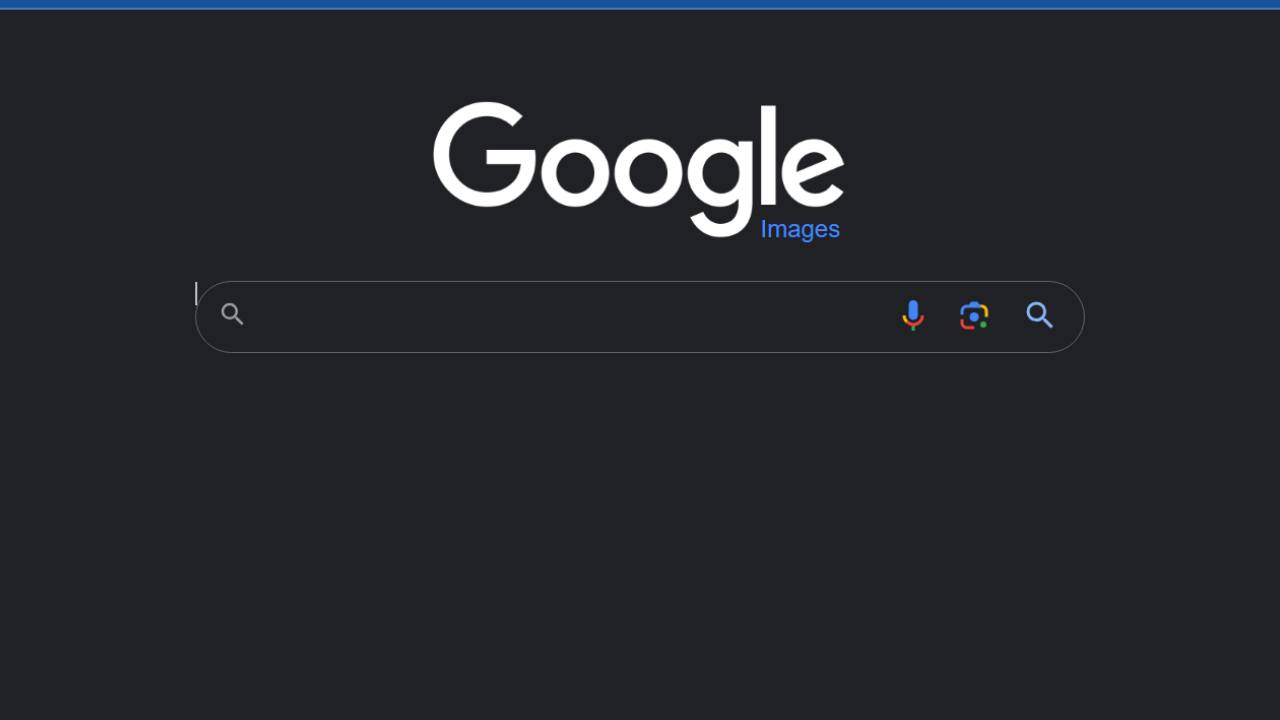
Google Images is a reverse image search tool that helps you find out where an image came from or discover similar images. If you want to know more about the origin of an image, use this handy tool to get started.
Google Images is a free tool that makes it easy to find similar images or photos of the same topic. You can also upload your photos and use the tool to find out where they come from or if they have been used elsewhere on the web. The results are displayed as thumbnails with links to the original images and other sources.
Pricing
- Contact Google Images for pricing details.
How to Perform a Reverse Image Search Using Google Images
- Go to Google Images.
- Click on the camera icon in the search bar.
- Choose “Upload an image” from your device or “Paste image URL”.
- Google will analyze the image and show similar visuals and websites where the image appears.
- For deeper analysis, try Google Lens for identifying products, text, or locations within the image.
Tip: Best for finding general duplicates, product listings, and identifying objects in photos.
Openverse

Openverse is a reverse image search engine that allows you to find out where an image came from. It’s a useful tool for web designers and developers who want to make sure that the images they use are licensed properly, for example.
You can use Openverse to find out where an image came from by searching the web, or you can upload an image, and the site will find similar ones. This is a quick way of finding a photo you like to give you some ideas on creating your designs.
Openverse also has a feature that allows you to create your collection of images based on colors or tags. This makes it easy for anyone needing inspiration for their next project.
The site is easy to use and doesn’t require any registration.
Pricing
- Contact Openverse for pricing details.
Bing Images
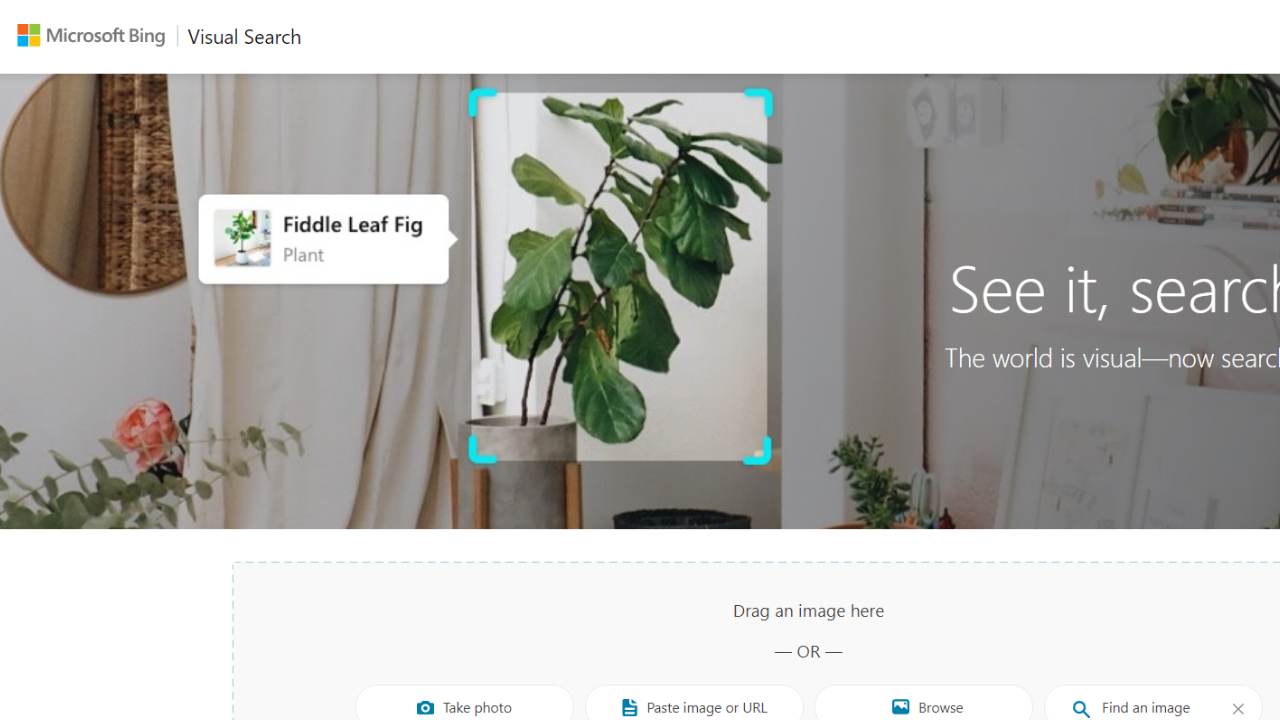
Bing Images is a reverse image search engine that helps you find an image’s source by searching billions of indexed web pages.
It’s easy to use: just upload an image or paste your URL into the box above and hit “go!” Bing Image Search will show you results for that exact term or phrase. Or do a general search for similar images.
Bing Image Search makes finding images easy by keyword, caption, etc. You can also use the advanced filters to narrow your results even further!
Pricing
- Contact Bing Images for pricing details.
How to Perform a Reverse Image Search Using Bing Visual Search
- Open Bing Visual Search.
- Click on “Browse” or drag and drop your image.
- You can also paste a direct image URL.
- Bing highlights key objects in the image and lets you click specific elements (e.g. a pair of shoes or a logo).
- Explore visually similar photos or refine your search using Bing’s smart cropping tools.
Tip: Great for isolating and searching parts of an image—perfect for eCommerce and design inspiration.
Reversee
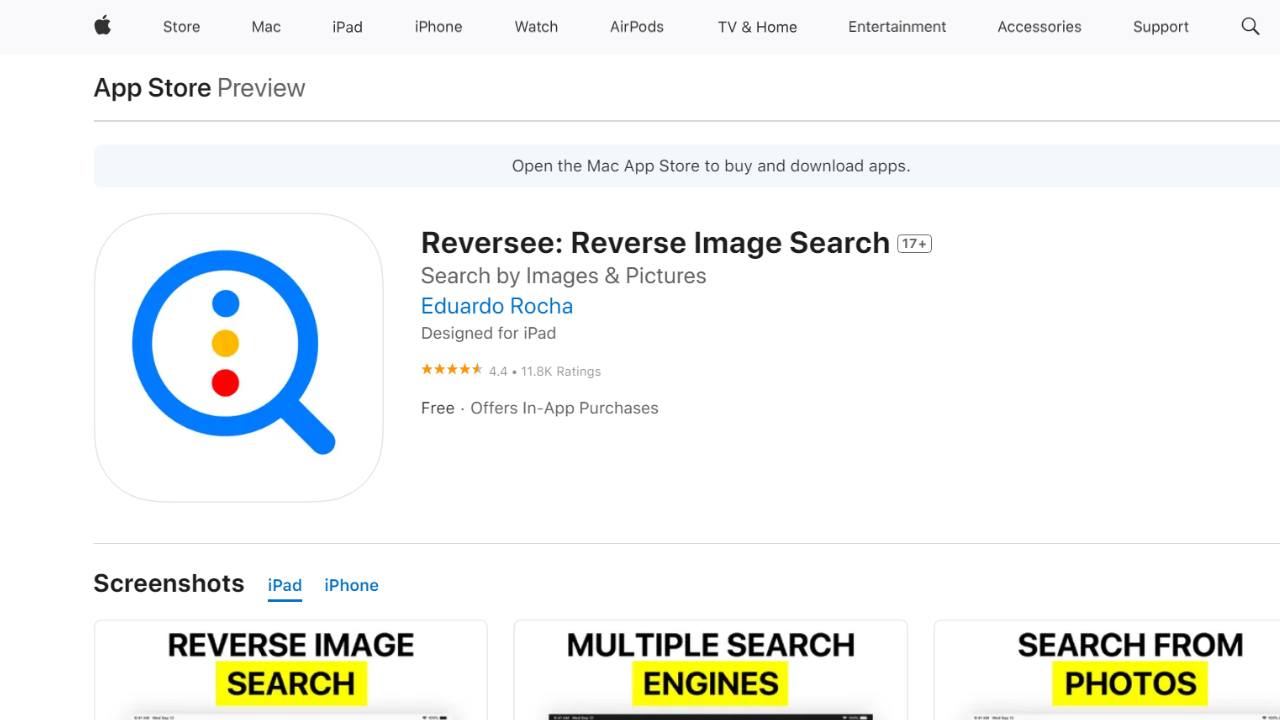
Reverse image search is a powerful tool for finding similar or identical images. Reversee is a reverse image search engine that helps you find the original source of any image.
You can upload an image or enter its URL. Then, Reversee will show you similar images found on the Internet.
Reversee enables you to search for information about an image by uploading it or entering the URL of the image. In addition, Reversee provides information about the author and license type of an image and similar images and tags that can be used for searching.
Pricing
- Contact Reversee for pricing details.
Searchenginereports.net

Searchenginereports.net is a reverse image search that allows you to search for an image by providing its URL or file name.
You can use this tool to find information about the photo’s owner or if you doubt the copyright status of an image.
The best results will come from uploading a high-quality image with a clear subject so that the image recognition technology can quickly identify it.
Pricing
- Silver: $10/month
- Gold: $20/month
- Platinum: $40/month
- Diamond: $60/month
Berify

Berify is a powerful reverse picture search tool designed to help you uncover the source of an image, discover where it has been used, and locate similar images from around the web. By simply uploading a file or choosing to enter the image URL, Berify makes it easy to track down images from around the web with precision and efficiency. Whether you’re verifying the origin of an image or looking for alternatives, Berify streamlines the process for seamless results.
If you see someone using your photos without permission on their website or social media pages, you can use Berify to find them and contact them.
Pricing
- Berify Pro API starts at $150 – $5000 per month.
Photo Sherlock
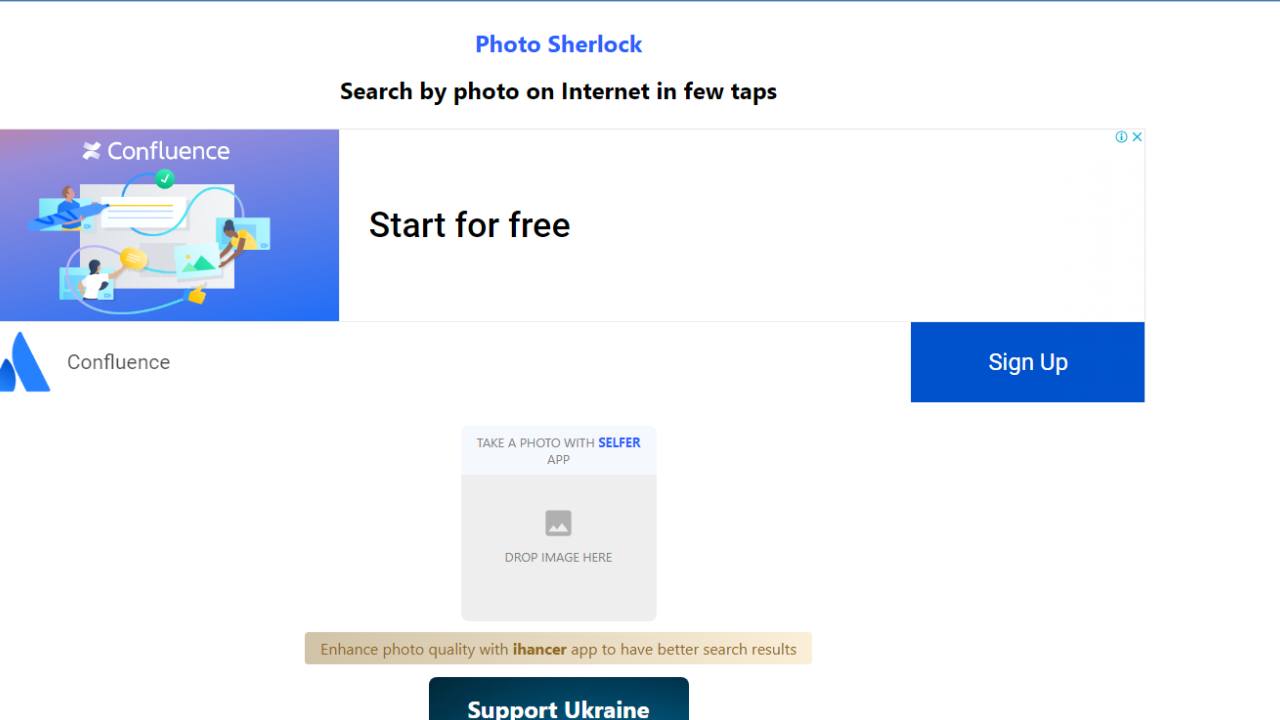
Photo Sherlock is one of the best reverse search engines for images online. It can be used to find out where an image came from by searching for similar pictures on the web.
It is an excellent tool for determining if your photos have been used without your permission. This can be very useful when you suspect others may have taken your photos without permission and used them on their websites or social media profiles.
The service allows you to upload an image or picture and then perform a reverse search against it to find out where else it has appeared online. It also lets you see how often an image has been shared across different platforms, such as Facebook or Twitter, so you can see how popular they are with other users.
Pricing
- Contact Photo Sherlock for pricing details.
Duplichecker
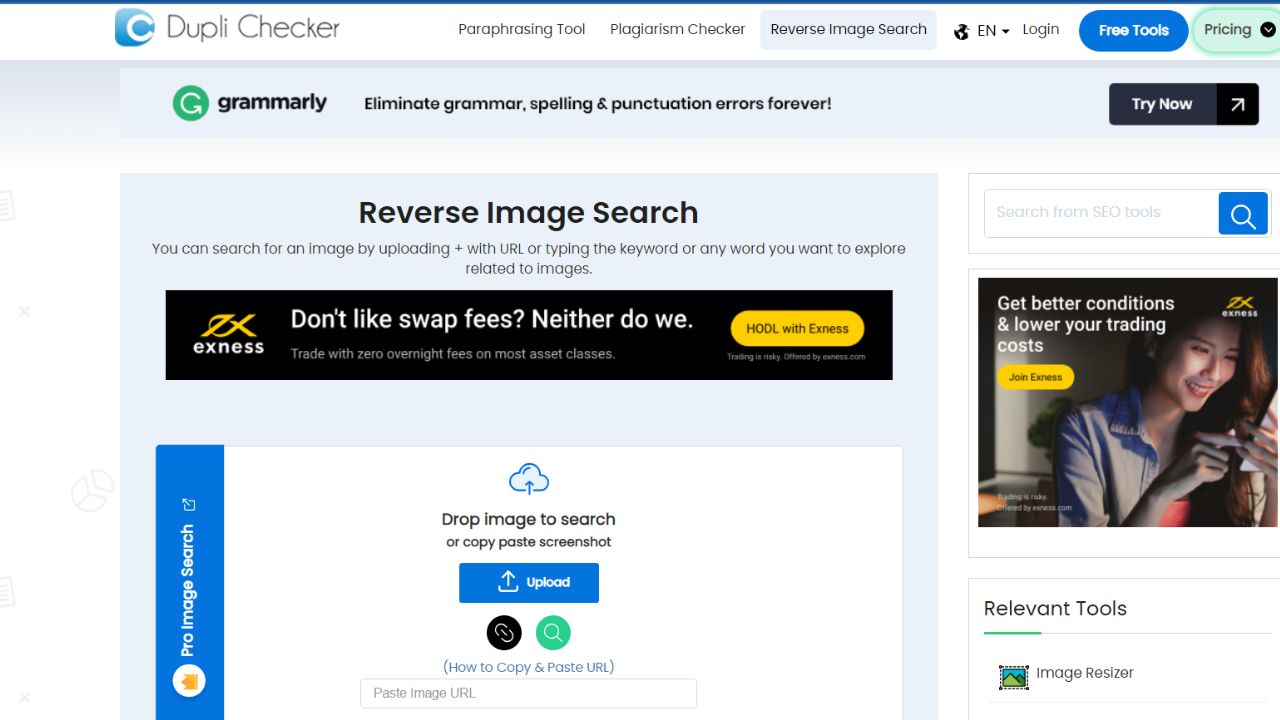
Duplichecker is a reverse image search tool. Duplichecker allows you to find out if other websites have used the images on your website and, if so, which ones. It’s a valuable tool for content creators and SEOs, who can use it to ensure they’re not violating copyright laws or inadvertently stealing content from other websites.
Duplichecker is a free tool that can help you determine if your images have been copied from other websites. It works by scanning the internet for similar images and displaying them in a list of results. You can then use this tool to check whether or not your images have been copied illegally by other websites.
Pricing
- Basic II: $10/month
- Basic III: $15/month
- Basic IV: $20/month
- Basic V: $25/month
- Basic VI: $30/month
Pinterest Visual Search Tool

The Pinterest visual search tool is a reverse image search. The Pinterest visual search tool will help you find the source of an image. The Pinterest visual search tool is easy to use and free to use.
Pinterest provides a potent tool for marketers. It allows you to find content that is similar to your own and create pinboards based on specific keywords or phrases.
The Pinterest visual search tool is a new feature that allows users to find similar images to the ones they have already pinned. This is a great way for marketers to find new content ideas, which can be used in their marketing campaigns and social media posts.
Pricing
- Contact Pinterest Visual Search Tool for pricing details.
How Reverse Image Search Works
Reverse image search tools use advanced algorithms to identify and match visuals across the web. Instead of keywords, the system analyzes the unique characteristics of an image and compares them against billions of indexed files online.
Core Image Features Analyzed
Explains the fundamental visual elements that reverse image search tools examine to identify and match images.
- Size and Dimensions – Helps distinguish between full-resolution images and smaller, cropped versions.
- Colors and Patterns – Identifies dominant shades, gradients, and visual textures for accurate matching.
- Shapes and Outlines – Recognizes objects, logos, and symbols regardless of background changes.
- Composition – Detects overall layout and positioning of elements within the photo.
Advanced Search Capabilities
Highlights the enhanced functions, like facial recognition and object detection, that make reverse image search more precise and versatile.
- Facial Recognition – Some reverse photo search tools (like Yandex and Lenso.ai) can analyze faces for identity verification or duplicate detection.
- Object and Landmark Detection – Tools like Google Lens can recognize products, buildings, and text within an image.
Process Overview
- Upload an image or paste its URL.
- The reverse image lookup tool scans its database.
- Results show exact matches, similar images, duplicates, and related contexts.
This makes reverse image search a powerful method for image verification, copyright protection, and content discovery.
Why Copyright Awareness Matters
While reverse image search tools make it easier to locate images and their origins, not all results are free to use. Many images are copyrighted, and permission from the original owner is required before republishing. Content creators should consider alternatives such as creating their own visuals, using Creative Commons resources, or relying on reputable stock photo sites to stay compliant with copyright rules.
Conclusion
There are many different ways that people can find images online, but many of them are very tough to use. Reverse image search is popular. This is a great article on the 21 best reverse image search engines. It outlines a list of websites that do reverse image searching for you and includes brief explanations for each site.
We hope this guide will be helpful and provide you with knowledge that will enable you to find the best tools available. You can read our other informative blog posts for more information about Reverse Image Search.
Explore our hottest deals and discounts to find the best offers for all your software needs. Don’t miss these fantastic opportunities to save on essential tools and applications.
FAQs
What Is a Reverse Search by Image and How Does It Work?
A reverse image search is a technique called content-based image retrieval that allows you to search by image instead of text. By uploading an image or pasting its URL, the search engine analyzes the visual elements to find visually similar images and related information.
How Do I Perform a Reverse Image Lookup Using Google?
To perform a reverse image lookup using Google, go to Google Images and click on the camera icon in the search bar. You can then upload an image from your device or paste the URL of an image. Google will then display visually similar images and related content.
Can I Use the Reverse Image Search Tool on My Mobile Phone?
Yes, you can use reverse image search on your mobile phone. Most modern smartphones have the capability to perform reverse image searches using apps like Google Lens or by accessing the desktop version of Google Images through a web browser.
How Can I Find Similar Images Using a Reverse Photo Lookup Tool?
To find similar images using a reverse photo lookup tool, you can upload an image or paste the URL of the image into the search bar of the tool. The tool will analyze the image and return results that include similar photos and related information.
What Are Some Popular Reverse Image Search Engines?
Some popular reverse image search engines include Google Images, TinEye, and Bing Visual Search. These tools allow you to search by image and find visually similar pictures from across the web.
Is It Possible to Perform Reverse Image Searches Using Google Drive?
Yes, you can perform reverse image searches using Google Drive by first uploading the image to Google Drive. Once the image is uploaded, you can open it in Google Photos and use Google Lens to search for visually similar images and related information.
How Do I Use the Reverse Image Search Feature on an Image Search App?
To use the reverse image search feature on an image search app, open the app and look for an option to upload an image or paste a URL. Once you provide the image, the app will perform the search and display results with similar photos and related information.
What Is the Benefit of Using Reverse Search?
The benefit of using reverse image search is that it helps you find the source of an image, identify objects or people in a photo, detect copyright violations, and discover visually similar images. This can be particularly useful for research and verification purposes.
Can I Use Reverse Image Search to Find an Image’s Original Source?
Yes, you can use reverse image search to find an image’s original source. By performing a reverse image lookup, you can locate where the image first appeared online, which can be helpful for verifying authenticity and crediting the original creator.
What Should I Do If I Can’t Find Similar Images Through Reverse Image Search?
If you can’t find similar images through reverse image search, try using different search engines or tools, as each one has its own database and algorithms. Additionally, ensure that the image you are uploading is clear and of high quality to improve search results.




