

If you’re running a website, it’s important to make sure that all of your images are properly tagged with ALT text.
This helps ensure that people who are visually impaired can still understand what the image is about. But how does it work? In this blog post, we will explain how the tool works and show you how to use it!
More and more, images and videos are critical for user engagement on the web. For example, if a retail website features pictures of a product from different angles or even a 360-degree video of the same product, users will be much more likely to convert.
According to studies, users are more likely to read articles on a news website that include accompanying visual media. Posts with images have been reported to produce up to 650 percent higher user engagement rate than text-only posts.
It’s important to communicate your message clearly to everyone, regardless of any disabilities they may have. Most websites take into account users who can see and hear the images and videos just fine. But what about those who can’t?
It is important to communicate contextually both to those who can interpret media on websites and mobile apps, as well as to those whose disabilities prevent them from doing so.
The Americans with Disabilities Act (ADA) protects people with disabilities by making it illegal for any government agency or business in the United States to offer goods and services that are inaccessible to them.
All entities that offer goods and services online must meet the technical specifications laid out in Web Content Accessibility Guidelines (WCAG) 2.0 at Level AA for digital accessibility.
Why the Alt Text for Images is Crucial
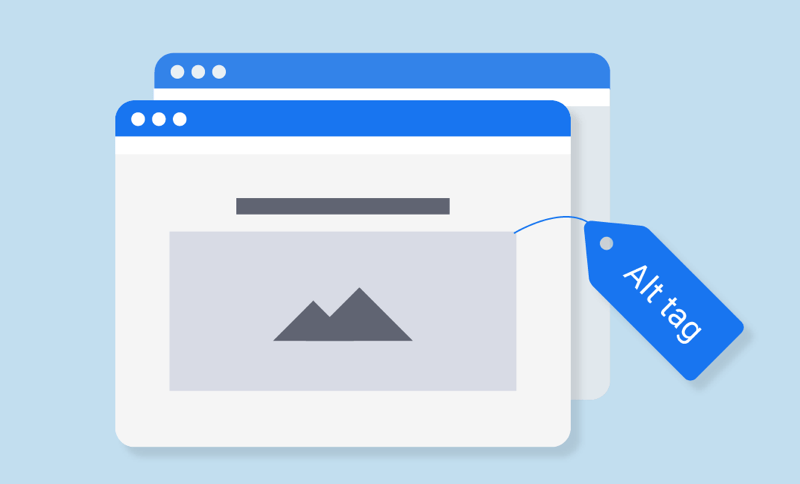
A common issue that prevents accessible content is forgetting to add alt text in the HTML attribute of the source code. It provides replacement verbiage if the related image cannot be displayed.
According to WebAIM.org‘s survey results, 89.2 percent of respondents use a screen reader because of a disability.
With this post, you’ll learn how to use Cloudinary add-ons and third-party APIs to automatically generate alt text for images as part of your media management process.
With the help of computer vision and machine-learning algorithms, those add-ons and APIs can automatically generate alt-text keywords and phrases to save you time if you have thousands of assets.
CloudSight, Clarifai.ai, and IBM Watson are a few examples of third-party services that offer APIs for media recognition and categorization.
Also, by utilizing webhooks on Cloudinary, you can construct, and coach deploys your machine-learning models on most cloud providers.
Example: Generate Alt Text With Adee Plugin
The primary purpose of alt text is to provide a description of images to those who cannot see them, such as people with visual impairments or screen readers.
The alt attribute- referred to as alt text- is a crucial part of having an accessible presence. Why is it important?
1. Most people think that the only purpose of the alt attribute is to help those with visual impairments, but that’s not entirely accurate.
One of the main reasons alt text exists is to provide a better experience for users of Assistive Technology (AT). If you don’t write an alt attribute, some screen readers will read out the file name to AT users, and this could potentially be very confusing or even dangerous.
2. In the event that images do not load on your website, users will still be able to understand what your web page is conveying by reading the alternate text.
3. By including an alt attribute, it will assist search engines in determining what the image is associated with and subsequently rank them when someone searches for a related term.
Guidelines for Ensuring Effective Alt Text with Images
In other words, the image alt text should be both specific and reflective of the theme present on the webpage. Make sense? Here are a few helpful tips for writing useful image alt text:
1. Be descriptive when describing the picture.
You should follow the content and context of the photograph. Make sure you include important details for screen reader users to avoid missing alt text.
2. Include context that is relevant to the page’s subject.
Add context based on the page’s content if the image doesn’t depict a well-known object or person.
Depending on the website’s subject, the alt text for a stock photo of a woman typing on a computer can read “Woman investigating free blogging platforms” or “Woman tweaking WordPress website for SEO.
3. Keep your alternative text description at 125 characters or lower for screen readers.

Long-winded alt text often gets cut off at awkward moments by screen-reading tools, which can be frustrating for visually impaired users. Image descriptions should be on point to avoid putting way too many words
4. It’s unnecessary to start alt text with “picture of…” or “Image of…”
Immediately start writing the image’s description or optimized alt text in the HTML code. Doing this will help Screen-reading tools (and Google) identify it as an image from the article by identifying alt tags.
5. Use your keywords judiciously.
Your target keyword should only be included in your automatic alt text if it can be done so effortlessly. If not, opt for semantic keywords or the most crucial terms found within a longtail keyword.
By way of example, if the head keyword for your article is “how to generate leads,” you might use “lead generation” in place of it in your alt text since naturally including “how to” could be challenging.
6. Don’t stuff keywords into your image alt text.
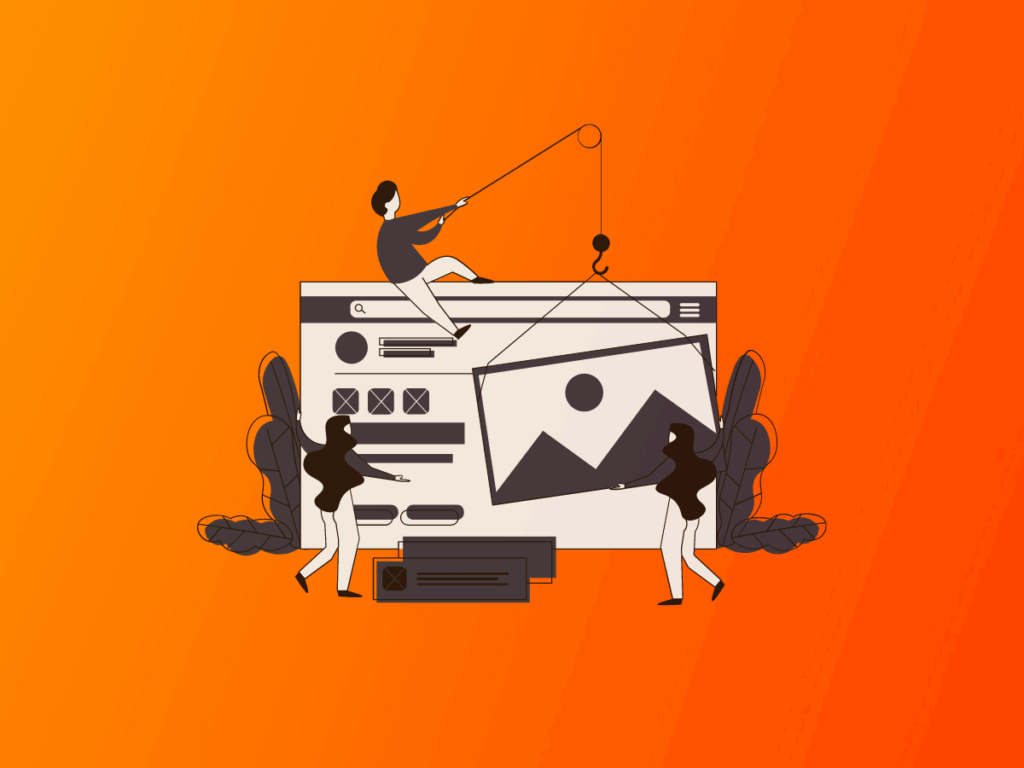
If your blog post contains multiple images, include your target keyword and descriptive text in the filename of at least one image.
This helps Google index your page and understand what it’s about. Choose the most representative image for each key point and make sure its file name includes the keyword. For other images on the page, use more aesthetic descriptions instead to help search engine crawlers understand what they’re seeing
7. Review the text for any spelling errors.
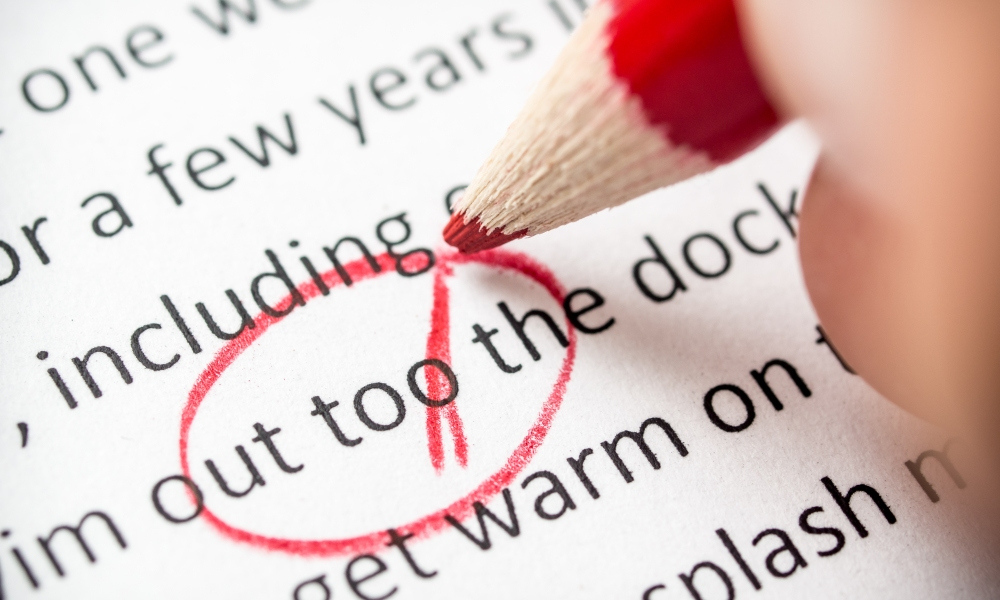
Incorrectly spelled words in image alt text can damage the user experience or lead to search engines misunderstanding your site content. Review alt text with the same level of detail that you would any other web page content.
8. Do not add alt text to all images.
Although it’s generally a good idea to add alt text for images on websites for the purpose of SEO and accessibility, there are some exceptions where alt descriptions and alt attributes are not necessary.
Some examples include purely decorative images or those that have related descriptions in text nearby. In these cases, an empty alt attribute should be used instead.
The Influence of Alt Text on SEO
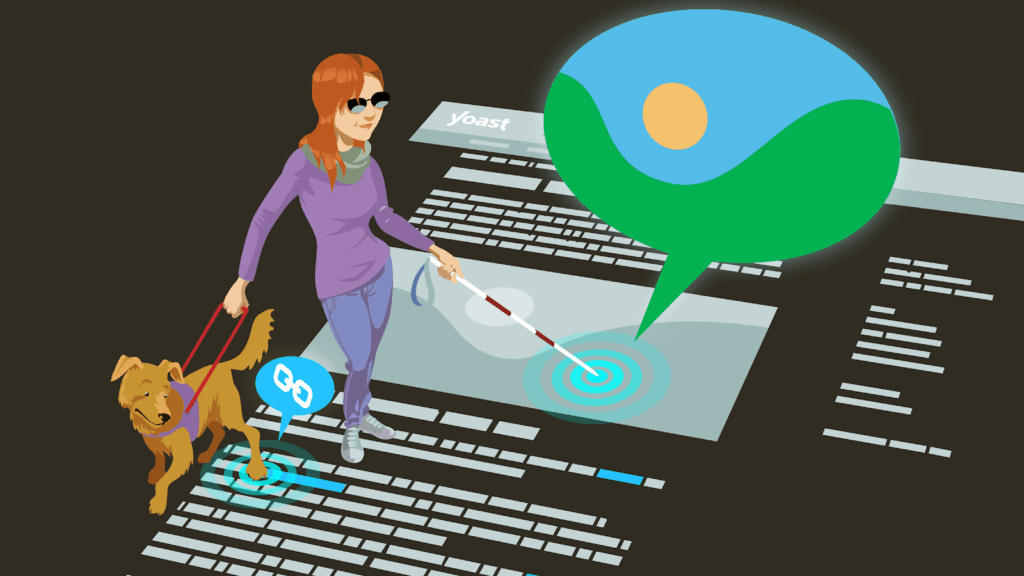
Google states that, in order for their computer vision algorithms to understand the subject matter of an image, alt text must be used.
Alt text allows Google to understand the IMAGES on a webpage, which can then improve the chances of those images appearing in image search results.
Keep your audience in mind when creating content. They may want more than a traditional blue, hyperlinked search result. Sometimes Google searchers want the image from the search results page to be embedded on the webpage they’re visiting.
Conclusion
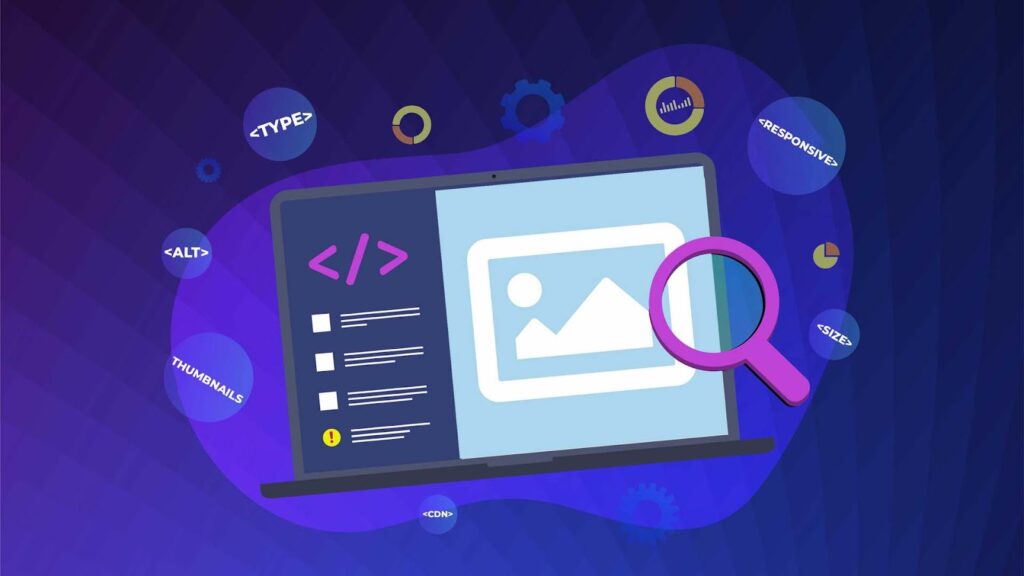
Alt text is crucial for both SEO and accessibility purposes. By following the tips above, you can improve your website’s search engine rankings while also creating a better user experience for all visitors to your site.
Don’t forget to review your alt text before publishing, just as you would any other webpage content. Happy writing!
FAQs
Can alt text be added to videos?
Yes, you can and should add alt text to videos for accessibility and SEO purposes. While videos have captions and transcripts, alt text serves a different and important function, especially for the video’s thumbnail or a video that doesn’t load. It provides a brief description of the video’s content, which is crucial for screen readers used by people with visual impairments.
What happens if I don’t add alt text to an image?
If you don’t add alt text to an image, you risk several negative consequences for both accessibility and SEO. Without alt text, screen readers cannot describe the image to users with visual impairments, making your content inaccessible. Additionally, search engines are unable to properly understand the image’s content, which can hurt your website’s SEO performance and cause you to miss out on traffic from image searches.
Is it okay to use the same alt text for multiple images?
No, each image should have unique and descriptive alt text so that users understand what they are seeing and search engines can accurately index the content on your website. Using generic or repetitive alt text can harm your SEO and user experience.




